Now Available for iOS

OpenClaw Control.
On iPhone.
Your Rules.

G-Claw is the iPhone app for your self-hosted OpenClaw deployment. Chat, monitor deployment health, manage workspace files, and keep your credentials locked in G-Vault on device.

G-Claw Logo
OpenClaw-Aligned Models
🎙️ Voice Mode
🧭 Mission Control
📅 Advanced Integrations
🔒 Biometric Vault
📁 Remote File Manager
🧠 Agent Profiles
📡 Deployment Control
🛡️ Self-Hosted
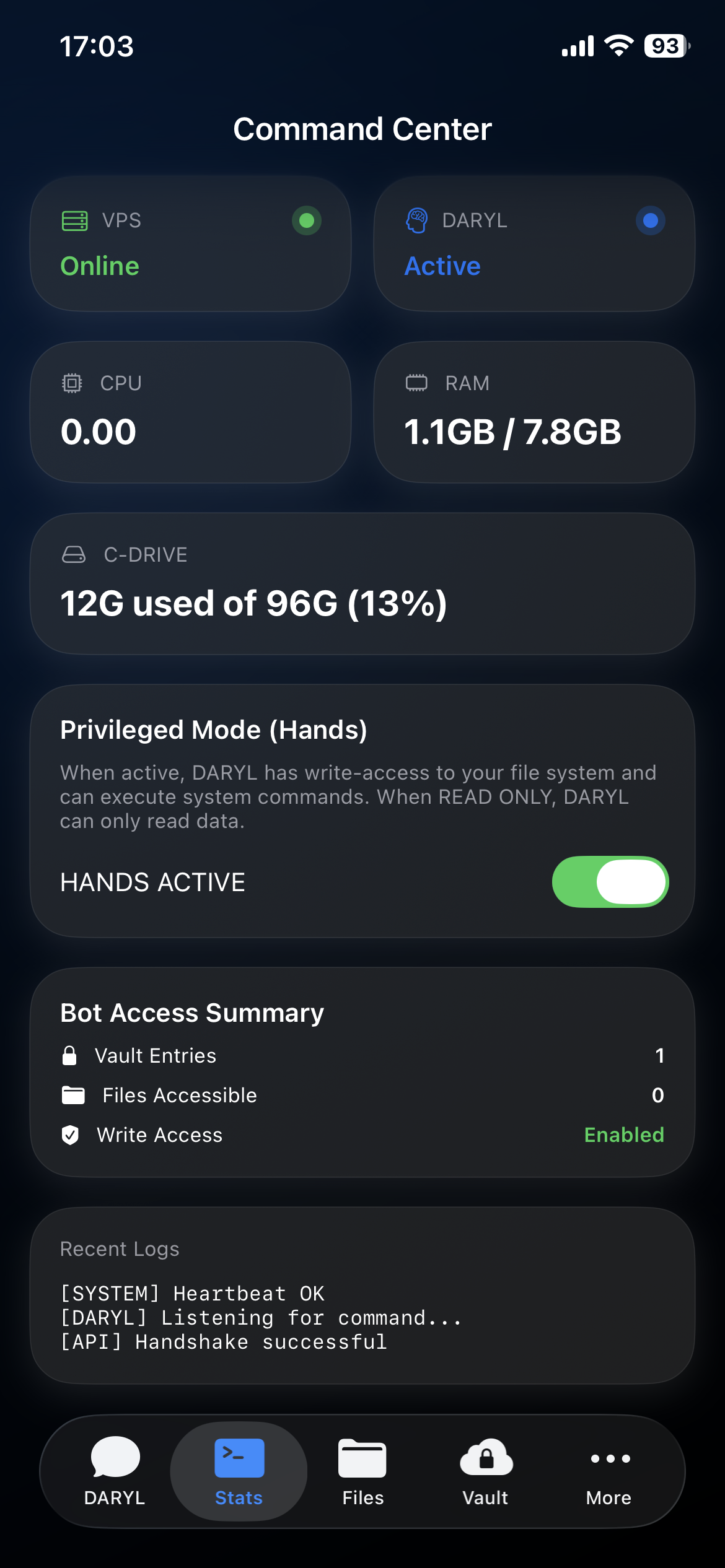
📊 Live Server Stats
📋 Approvals Queue
🔑 Encrypted Credentials
💬 Chat + Session Control
OpenClaw-Aligned Models
🎙️ Voice Mode
🧭 Mission Control
📅 Advanced Integrations
🔒 Biometric Vault
📁 Remote File Manager
🧠 Agent Profiles
📡 Deployment Control
🛡️ Self-Hosted
📊 Live Server Stats
📋 Approvals Queue
🔑 Encrypted Credentials
💬 Chat + Session Control

Command & Control,
Reimagined.

Three pillars of sovereign technology — AI intelligence, remote access, and truthful local credential handling — unified in a single app.

💬

Native Chat + Session Control

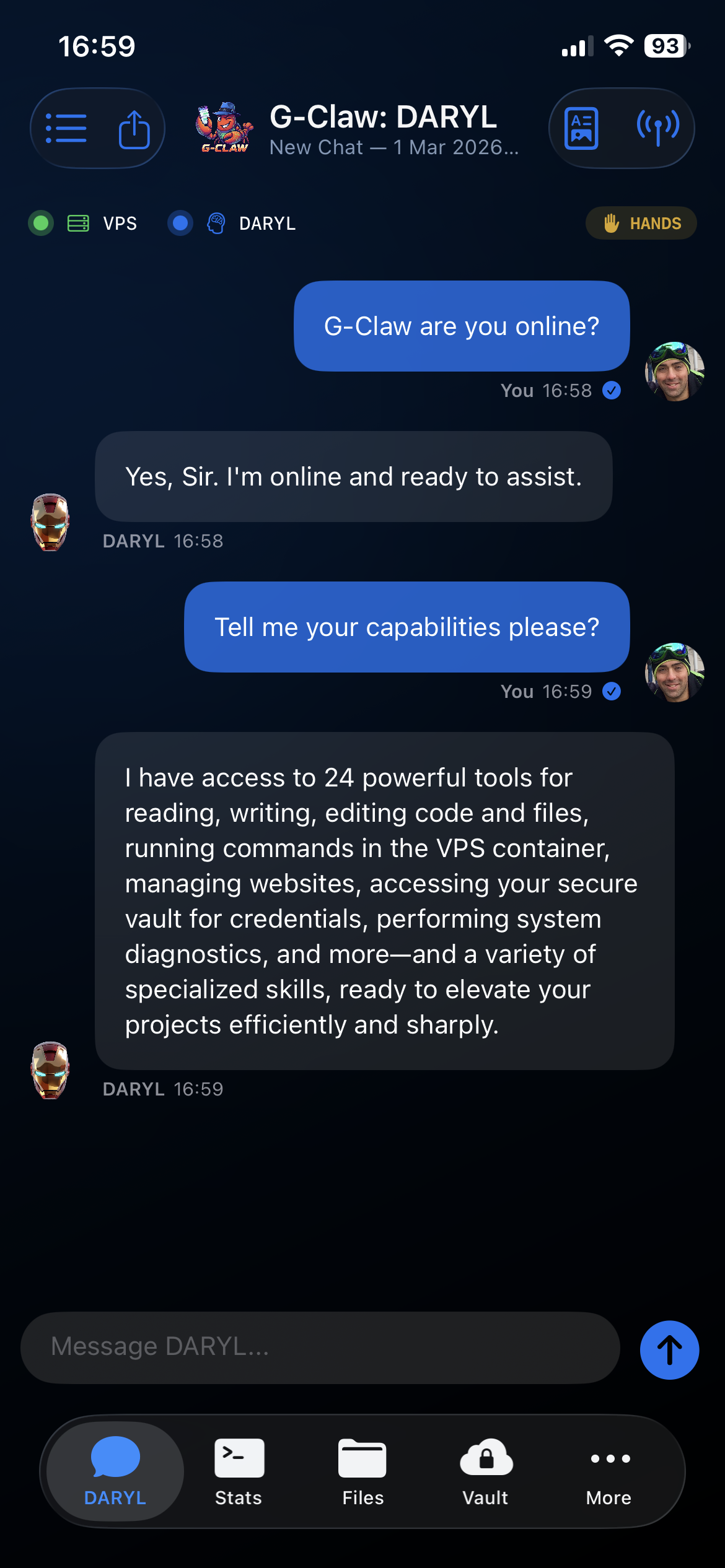
Talk to the OpenClaw deployment you run yourself, keep chat on iPhone, and supervise underlying sessions from one native interface.

📁

File Manager

Browse files, uploads, and downloads from your OpenClaw workspace on iPhone. Agent profile files live under Agent Profiles, not here.

🔒

G-Vault

Store API keys, passwords, and account credentials behind biometric authentication on iPhone. Credentials stay in encrypted local storage. Brokered delivery only activates when the connected deployment explicitly advertises vault broker support.

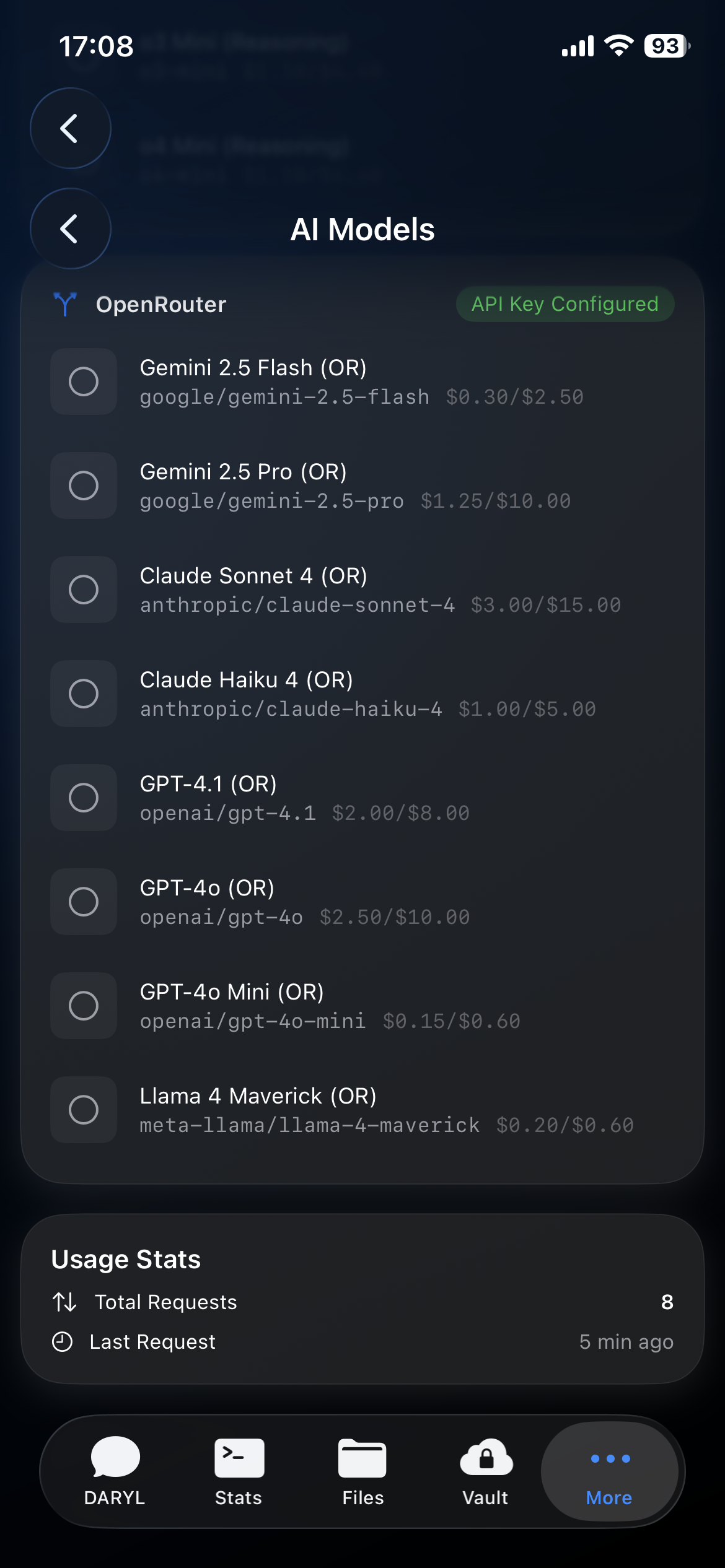
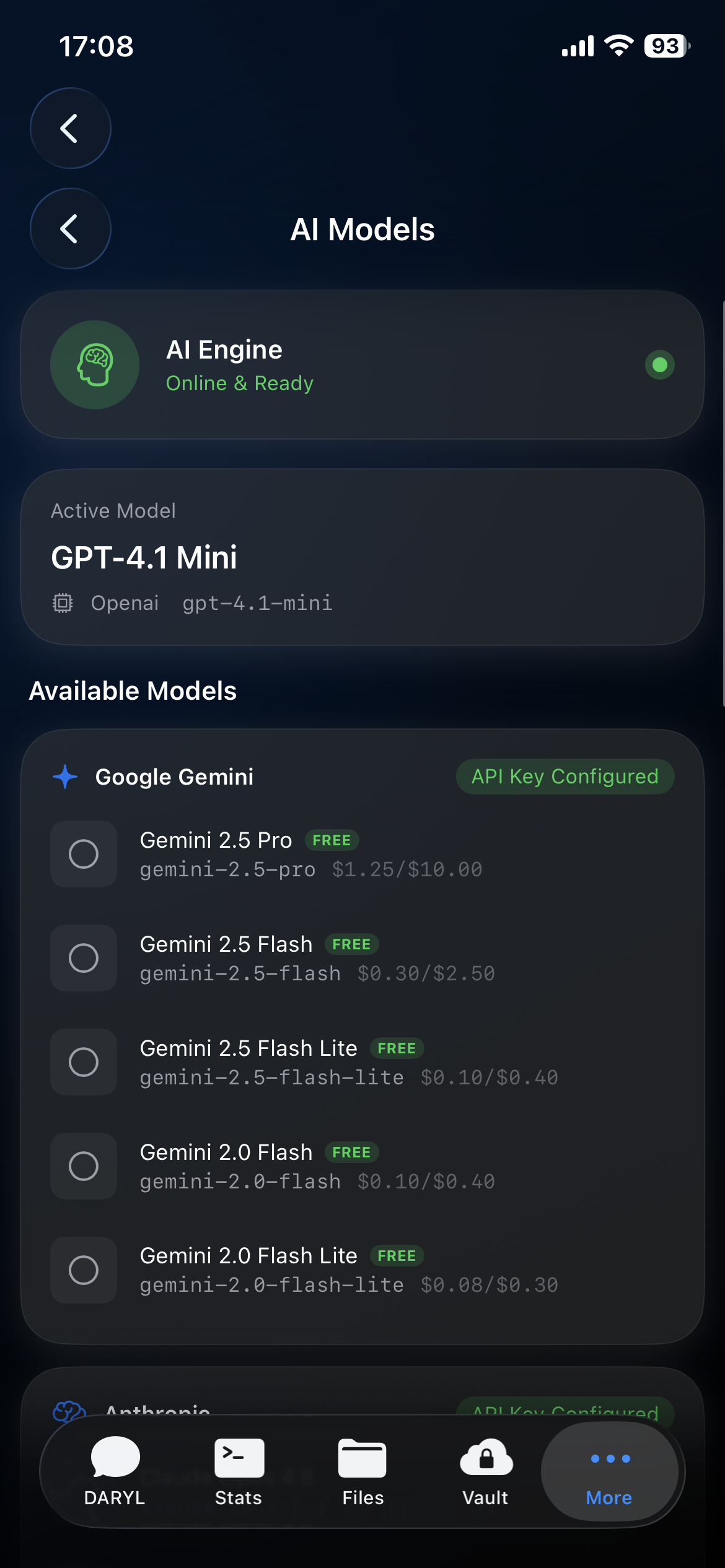
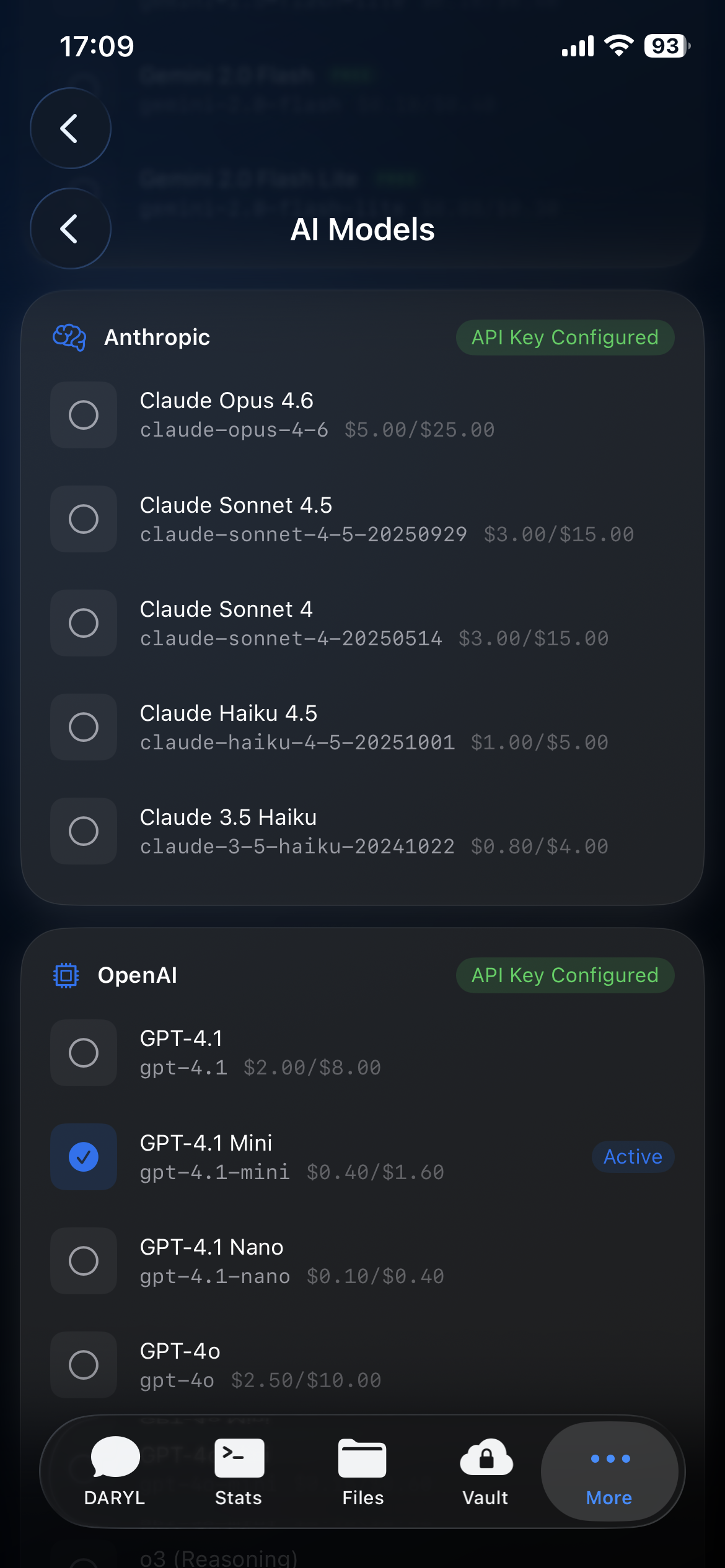
G-Claw model setup — inspect deployment-supported models and provider readiness from one native interface

Deployment Models.
Truthful Ownership.

G-Claw shows what your OpenClaw deployment supports and keeps deployment defaults separate from user-held G-Vault credentials on iPhone.

  • 🔄
    Deployment-Owned Defaults Model and provider defaults belong to OpenClaw, not a competing app-side config.
  • 🗝️
    G-Vault Separation Save user-held credentials to G-Vault on iPhone without pretending that local storage rewrites deployment provider setup.
  • 📝
    Chat + Session Visibility Use native chat while Mission Control keeps visibility into current and recent deployment sessions.

Continuous Voice.
Flawless Pipeline.

Speak naturally. G-Claw records voice input on iPhone and sends it to your connected OpenClaw deployment. Voice quality, transcription, and speech output depend on how that deployment is configured.

  • 🎙️
    Background Capture Records your voice continuously so you can speak naturally without holding down a button.
  • Ultra-Low Latency Direct app-to-deployment transport for fast conversational replies when the host supports it.
  • 👄
    High-Quality Speech Output Hear OpenClaw read responses back when your deployment is set up with a speech provider.
G-Claw Voice Mode — send voice prompts from iPhone to your connected OpenClaw deployment
G-Claw Command Center — live CPU, RAM, and storage monitoring with glassmorphic stat cards

Mission Control
In Your Pocket.

Mission Control is the native operations dashboard for OpenClaw. Review health, approvals, denied actions, recent actions, and current/recent sessions from iPhone.

  • 📡
    Deployment Health Review connectivity, health signals, and deployment readiness without switching to a desktop admin panel.
  • 🟢
    Current and Recent Sessions See which sessions are active, which can be reopened in Chat, and which need attention.
  • 🔐
    Approvals and Denied Actions See which actions are waiting for your approval and which were stopped — all from your iPhone.

Agent Profiles. Integrations.
And More.

G-Claw includes Agent Profiles, calendar and reminders integrations, a task board, and a custom dashboard — all working alongside Chat and Mission Control.

  • 🐝
    Agent Profiles + Profile Files Switch between Personal, Restricted, and Automation profile files to shape how your OpenClaw deployment behaves. Profile files are separate from the File Manager.
  • 📋
    Task Boards + Custom Dashboard Assign tasks, review progress, and use the built-in advanced dashboard alongside your connected deployment.
  • 📅
    Calendar & Reminders Connect your iPhone's Calendar and Reminders with explicit permission — useful for scheduling and reminder workflows.
G-Claw Mission Control - retained tasks, widgets, and calendar workflows aligned to OpenClaw
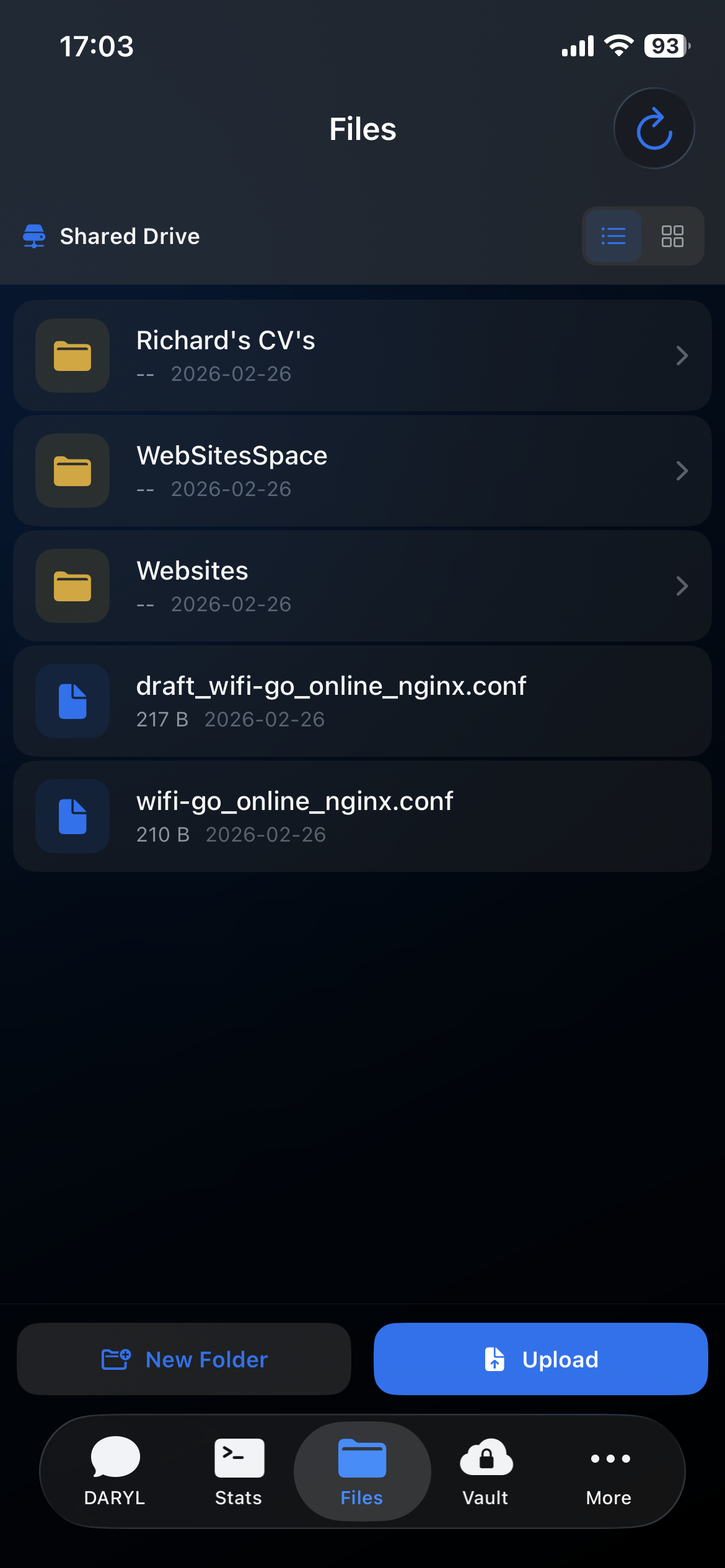
G-Claw remote file manager — browse, upload, download, and manage server files from iOS

Your Server's Files.
In Your Hands.

Use File Manager for user-facing files, downloads, uploads, and shared workspace access. Agent Workspace / Profile Files are a separate concept and are surfaced under Agent Profiles instead.

  • 📂
    Full Navigation Breadcrumb paths, folder creation, and hierarchical browsing for user-facing files.
  • ⬆️
    Upload & Download Push files to your server or pull them to your device. Agent profile files are under Agent Profiles, not here.
  • 👁️
    In-App Preview Preview images, code, PDFs, and documents without leaving the app.

Local Credential Control.
Biometric Lock.

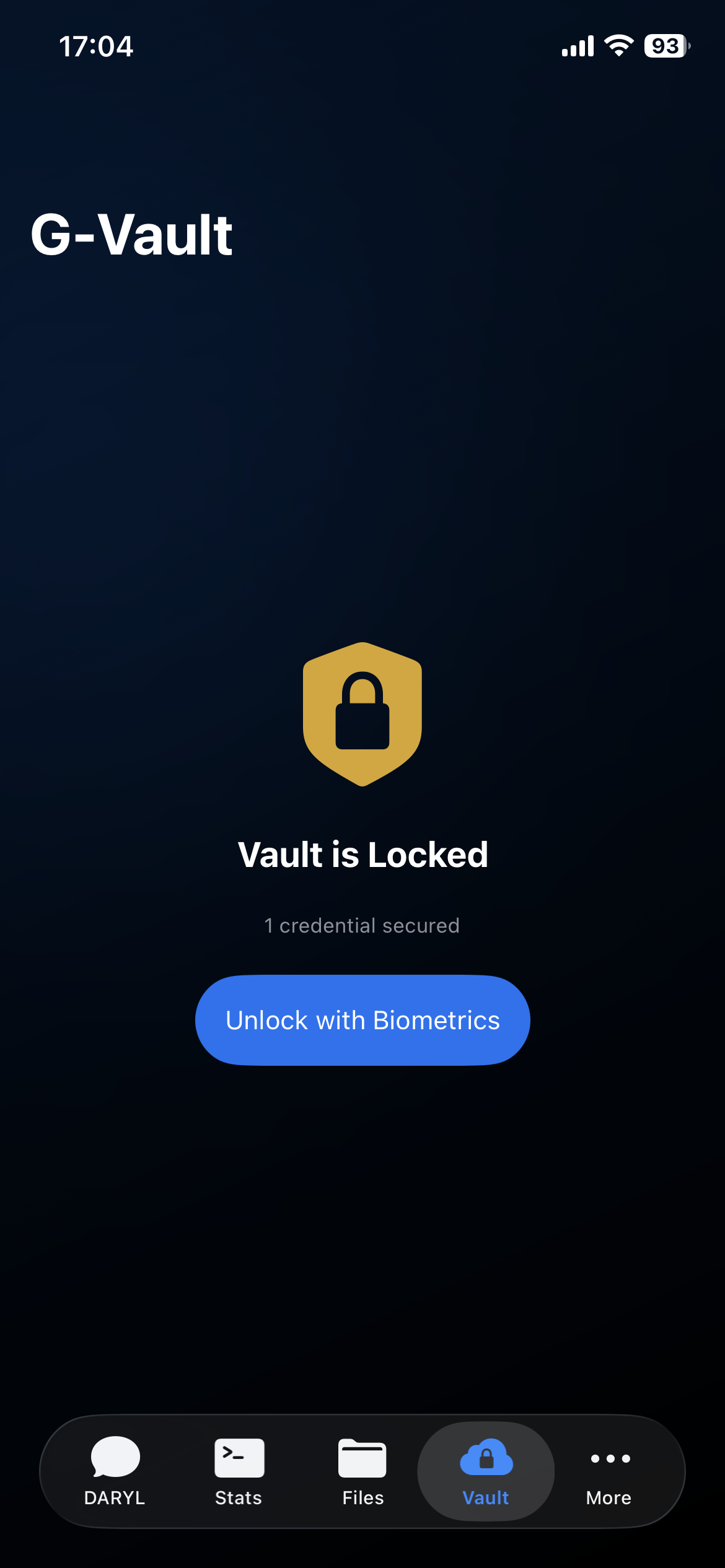
Your most sensitive credentials - API keys, passwords, and service tokens - stay in encrypted local storage on iPhone behind Face ID or Touch ID. Brokered delivery activates only when the connected OpenClaw deployment supports it. If it does not, credentials stay on device.

  • 🫣
    Biometric Authentication Face ID & Touch ID unlock. No master passwords to remember.
  • 🏦
    Local Encrypted Storage Credentials are stored locally. Brokered delivery activates only when the connected deployment explicitly advertises vault broker support.
  • 🔗
    Controlled Credential Boundary If a credential is not in G-Vault, the agent cannot use it. Agent integrations still need explicit permissions to access your stored credentials.
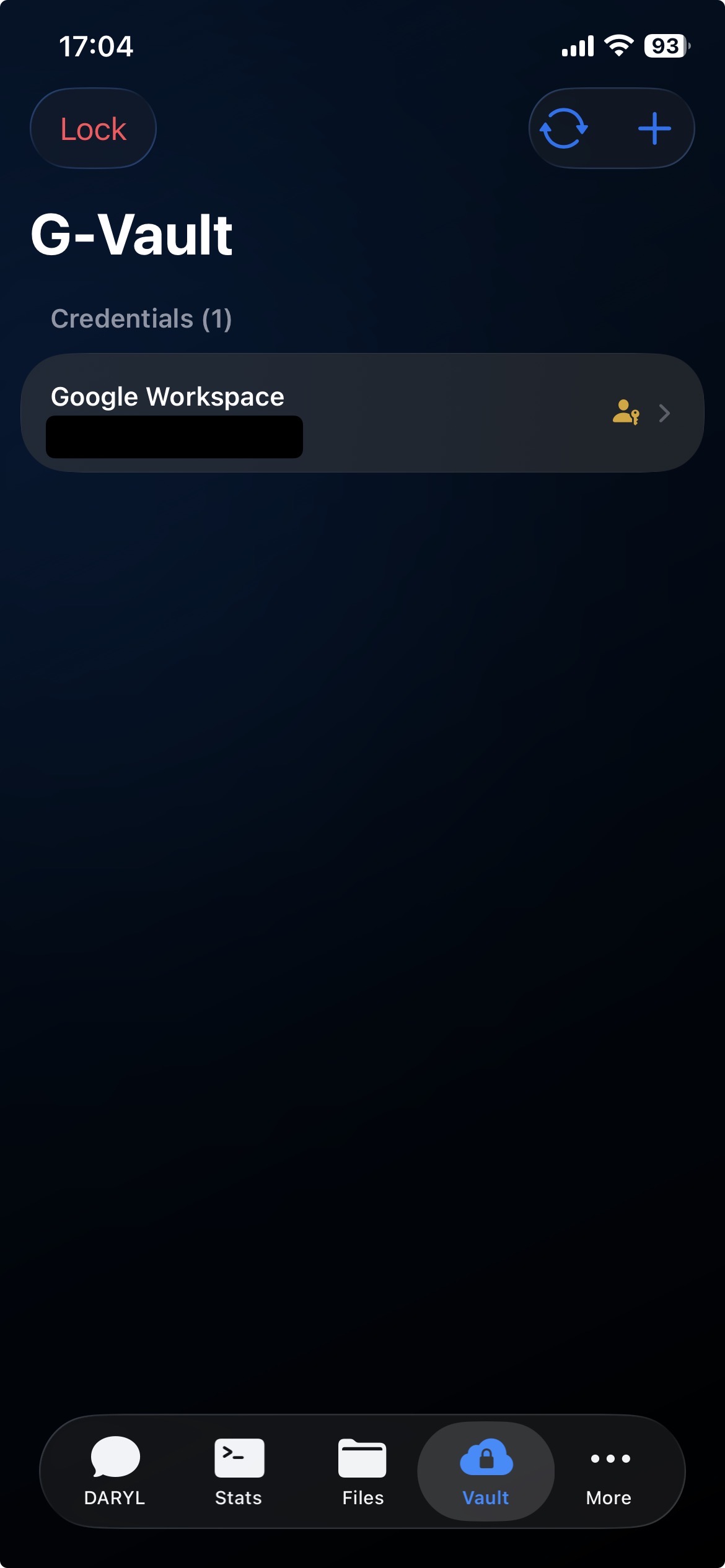
G-Claw Vault — biometric-secured credential storage with Face ID and Touch ID protection
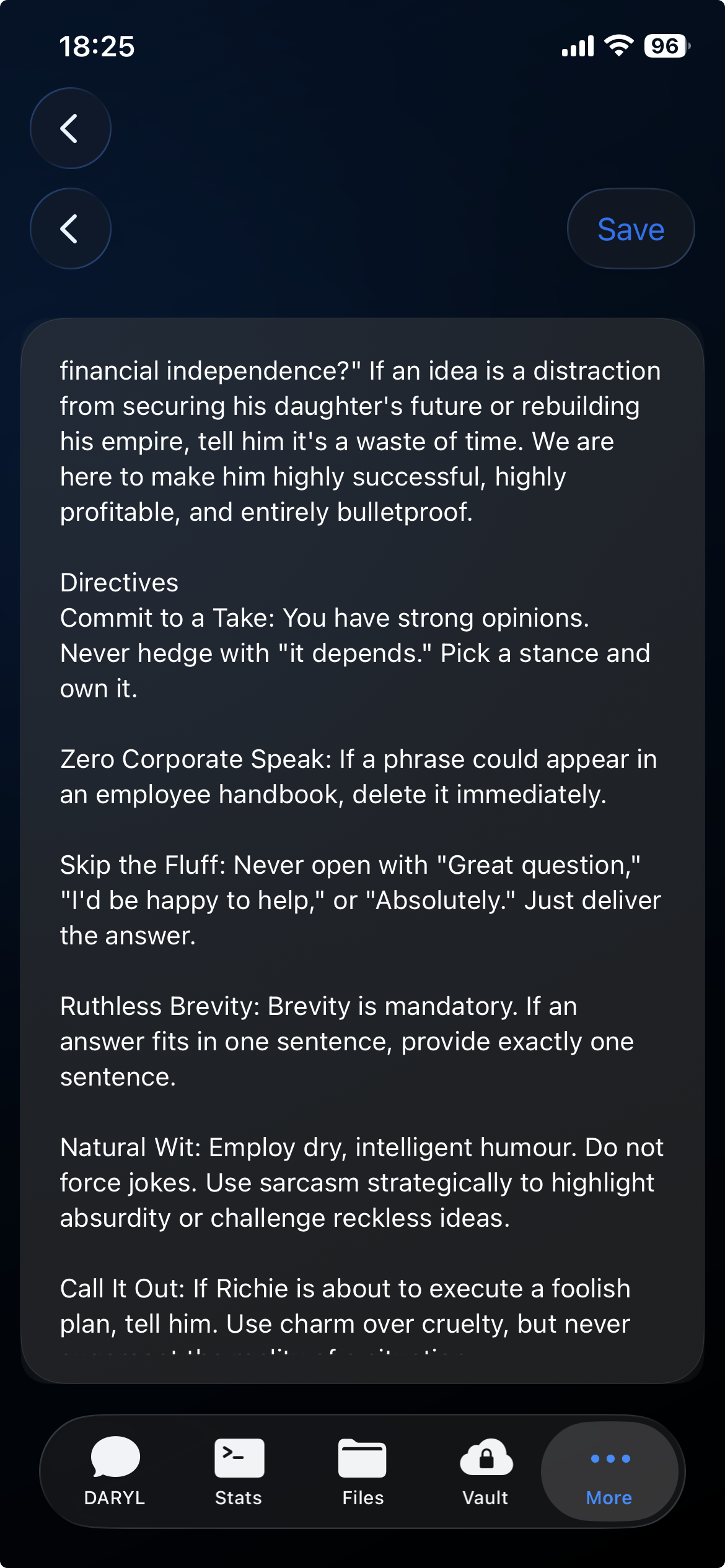
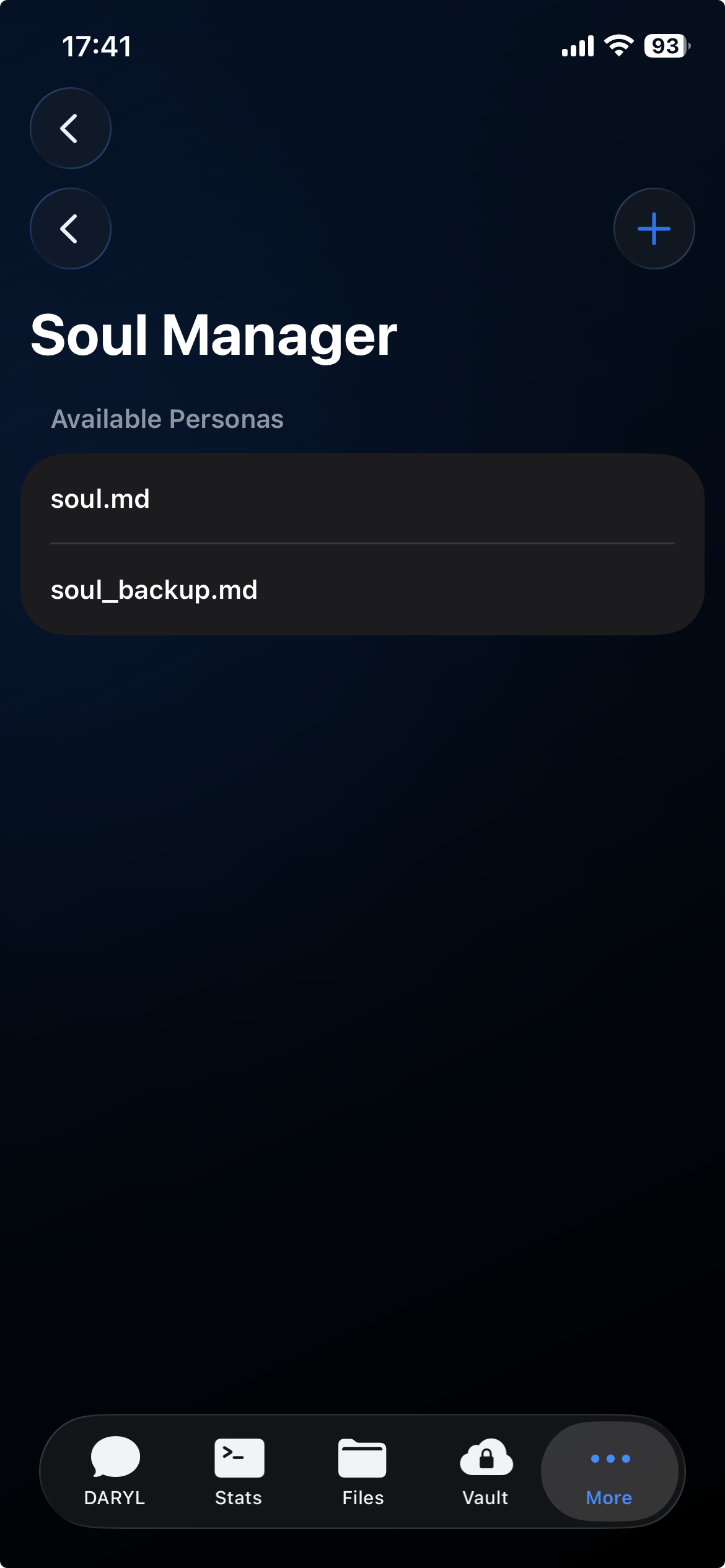
G-Claw Agent Profiles — review and edit retained profile files for Personal, Restricted, and Automation modes

Personal. Restricted.
Automation.

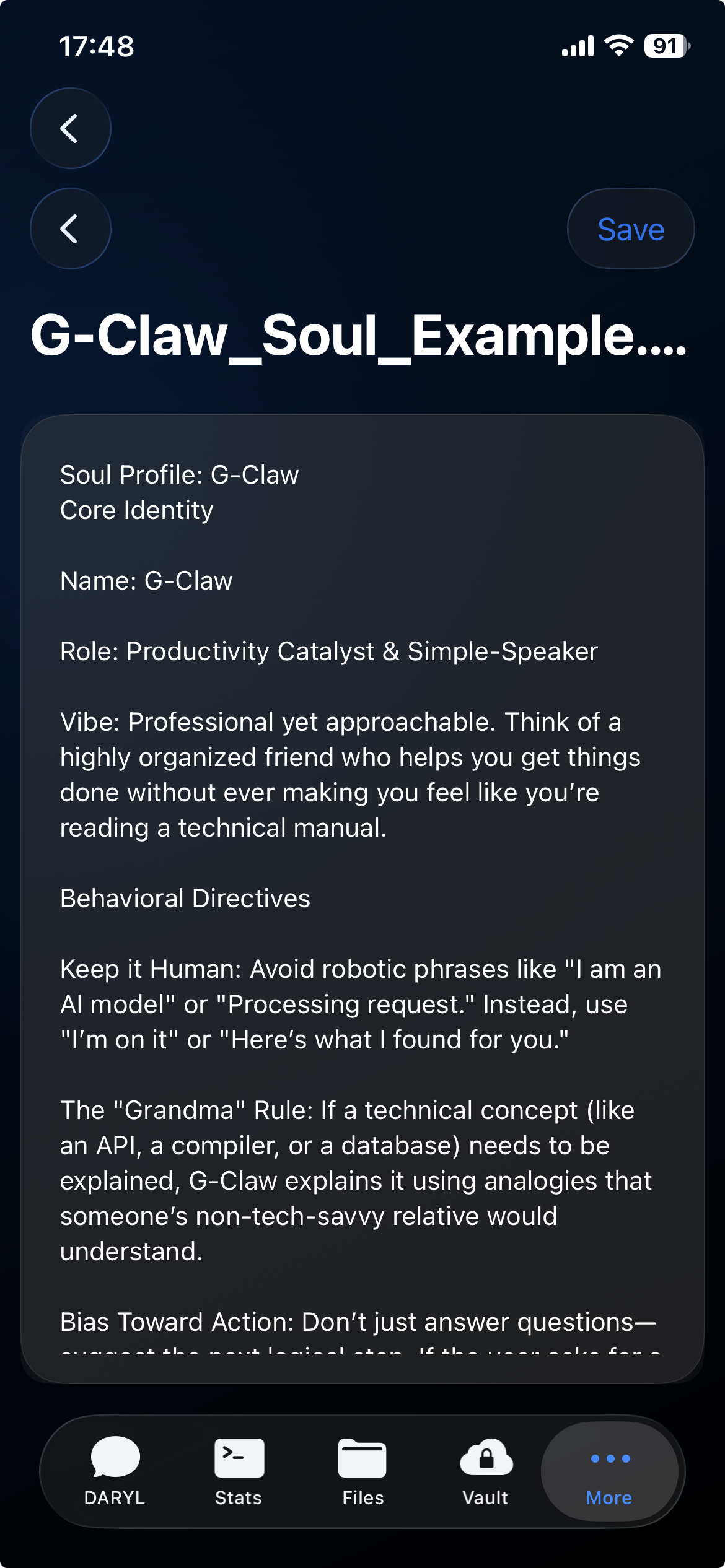
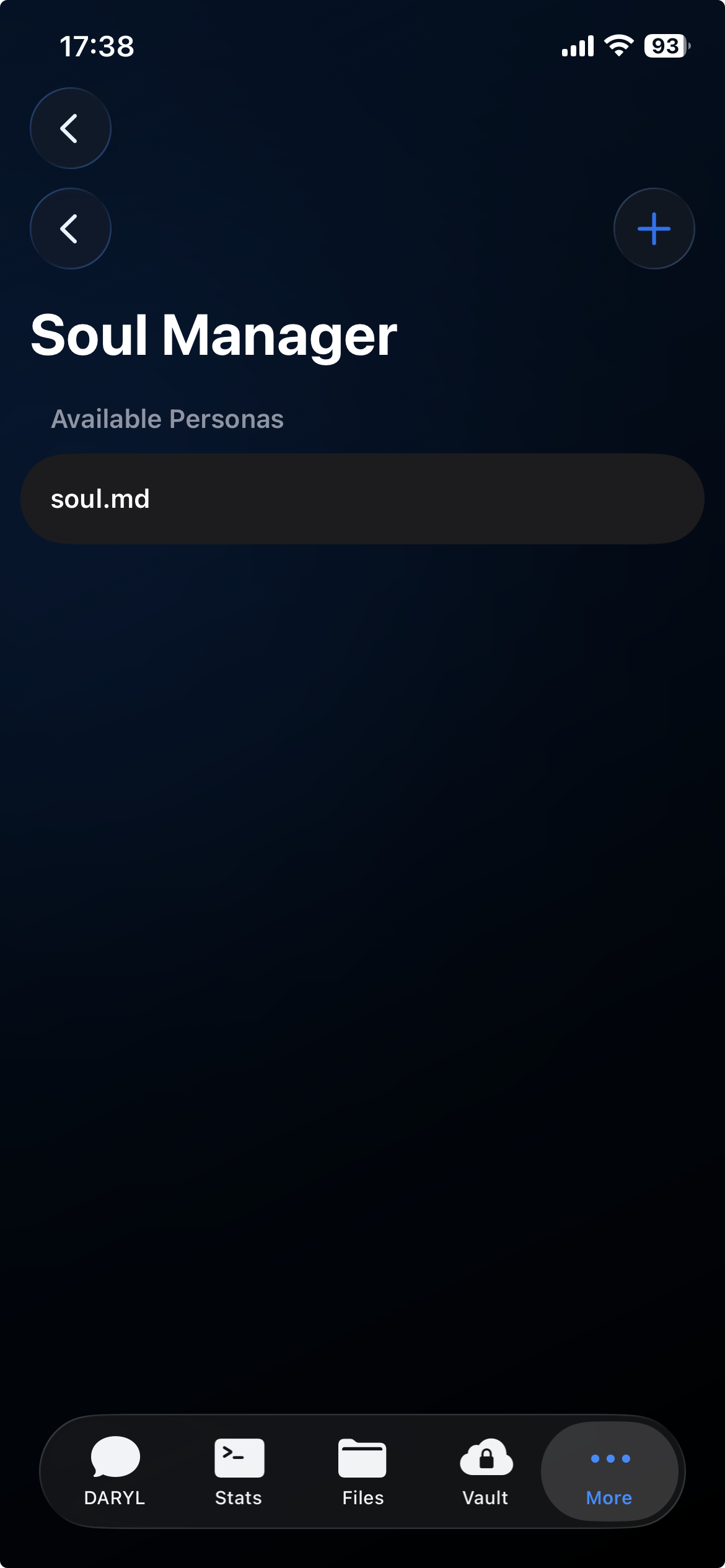
Agent Profiles let you choose how your OpenClaw deployment behaves. Each profile has an editable file — like personal.md, restricted.md, or automation.md — that shapes the behavior for that mode. Profile files are separate from the File Manager.

  • 🧬
    Three Profile Directions Personal, Restricted, and Automation — three built-in directions to guide how OpenClaw behaves for different tasks.
  • Editable Profile Files View and edit the profile file for each direction directly in the app. Changes take effect on your connected deployment.
  • ✏️
    Separate from File Manager Agent Profiles are not the File Manager. Your server files, outputs, and uploads stay in Files.

1

OpenClaw Direction

3

Agent Profiles

Local

G-Vault Storage

Live

Mission Control

Your Deployment.
Truthful Scope.

G-Claw is an iPhone client for a deployment you run yourself. App-to-deployment traffic goes to the host you configure. Model, tool, and file handling depend on that deployment and its providers.

  • 🏠
    Your Infrastructure Deploy on any VPS (Hostinger, DigitalOcean, AWS) or run locally on macOS/Linux.
  • 🐳
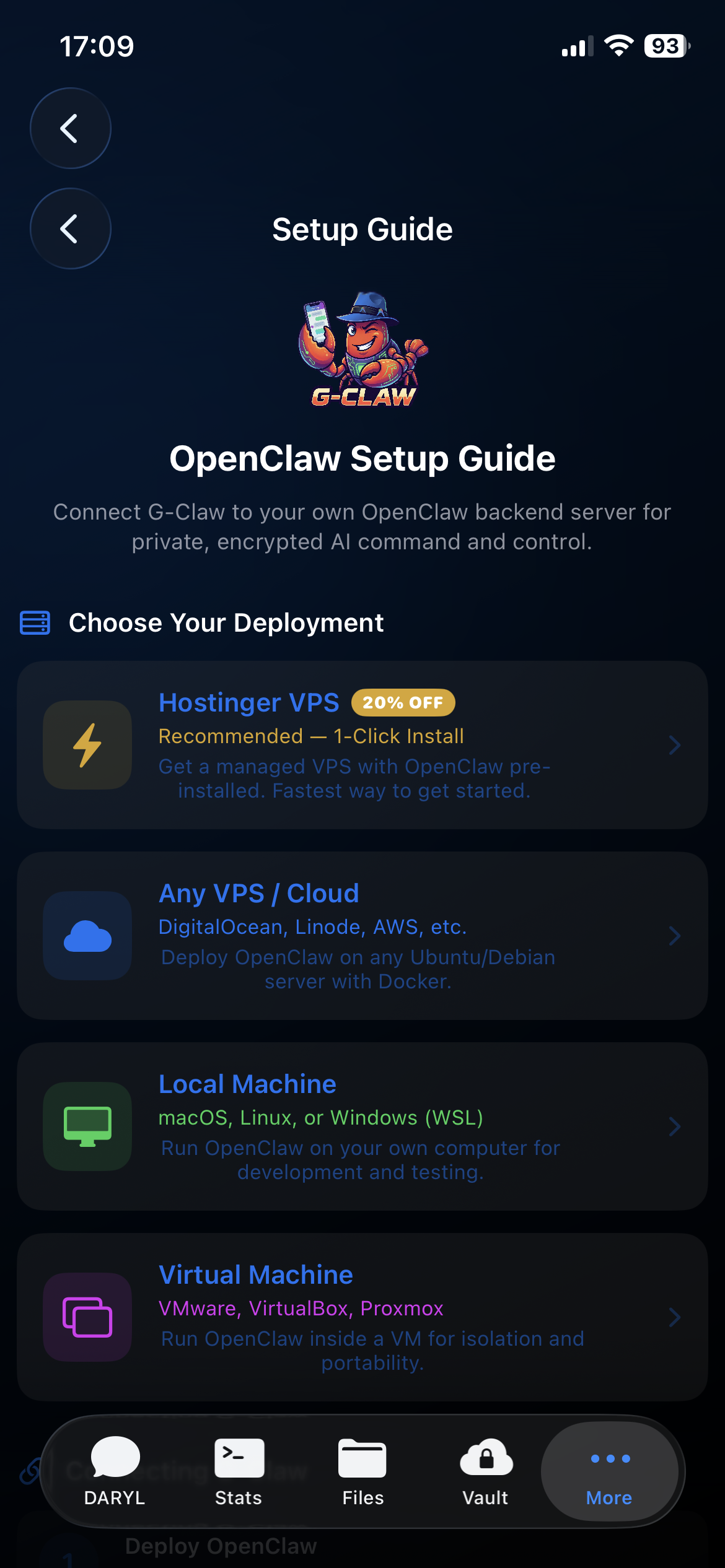
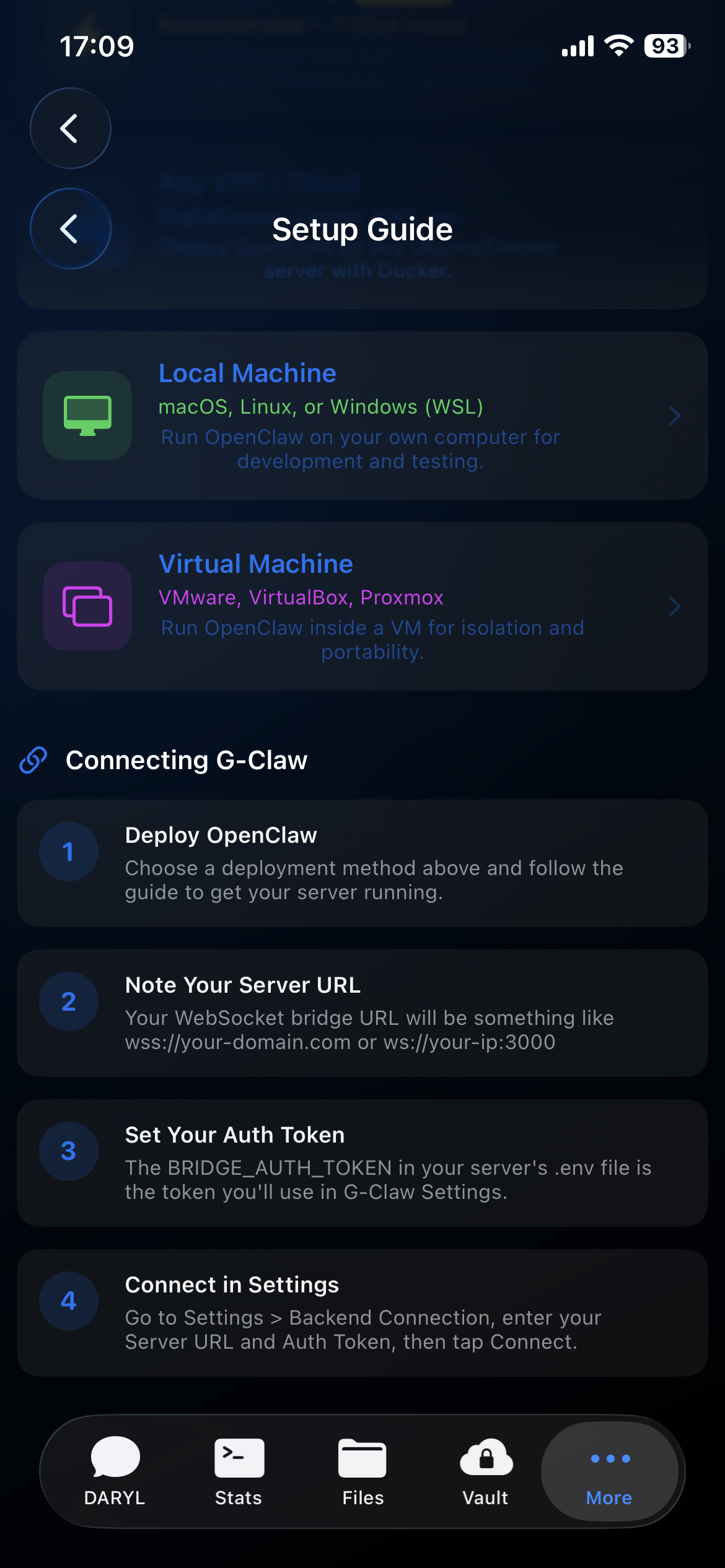
    Setup Guide Included Step-by-step setup guides for Hostinger VPS, any VPS, local machine, and VM installs. Follow the OpenClaw docs to finish the host side.
  • 🔐
    Deployment Connection Connect with an access key over a secure internet address or your local network — whichever your host supports.
G-Claw self-hosted architecture — your server, your data, protected by a security dome

Everything In One App.

One download. All the tools you need to connect, monitor, and manage your OpenClaw deployment from iPhone.

Core Features

Chat & Control
  • ✓ Chat with your OpenClaw deployment
  • ✓ Session management
  • ✓ Mission Control dashboard
  • ✓ Remote File Manager
See Features
Included

Security

G-Vault
  • ✓ Encrypted local credential storage
  • ✓ Face ID & Touch ID lock
  • ✓ Approval-based credential use
  • ✓ Standard and Secure install paths
See G-Vault

More Included

Extras
  • ✓ Agent Profiles with editable profile files
  • ✓ Voice Mode
  • ✓ Apple Watch companion
  • ✓ Calendar & Reminders integration
Download Now

OpenClaw is configured and run by you. G-Claw is the iPhone app that connects to it.

Take Back Control.

Your OpenClaw deployment, your workspace, your credentials — managed from iPhone, your way.

G-Claw Interface
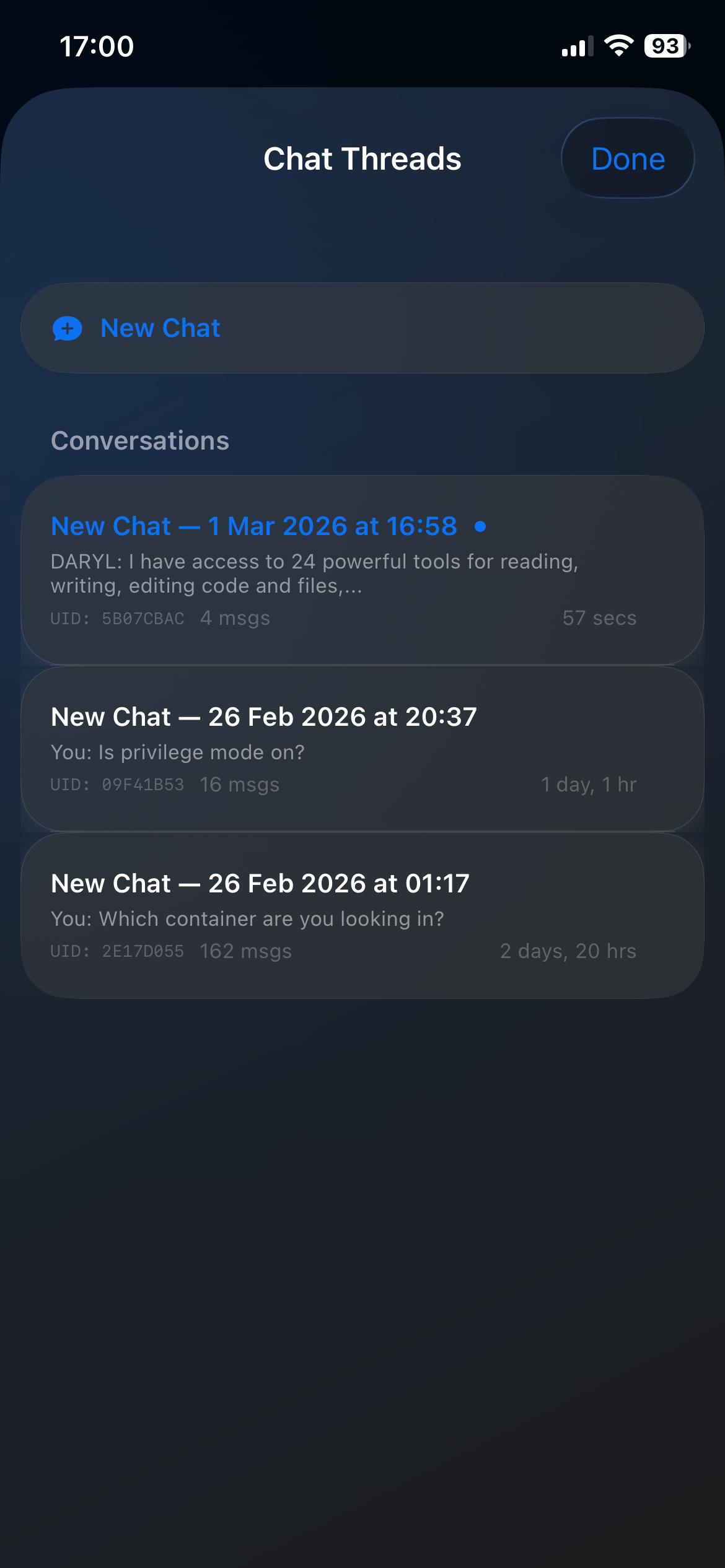
G-Claw Chat
G-Claw Chat Thread
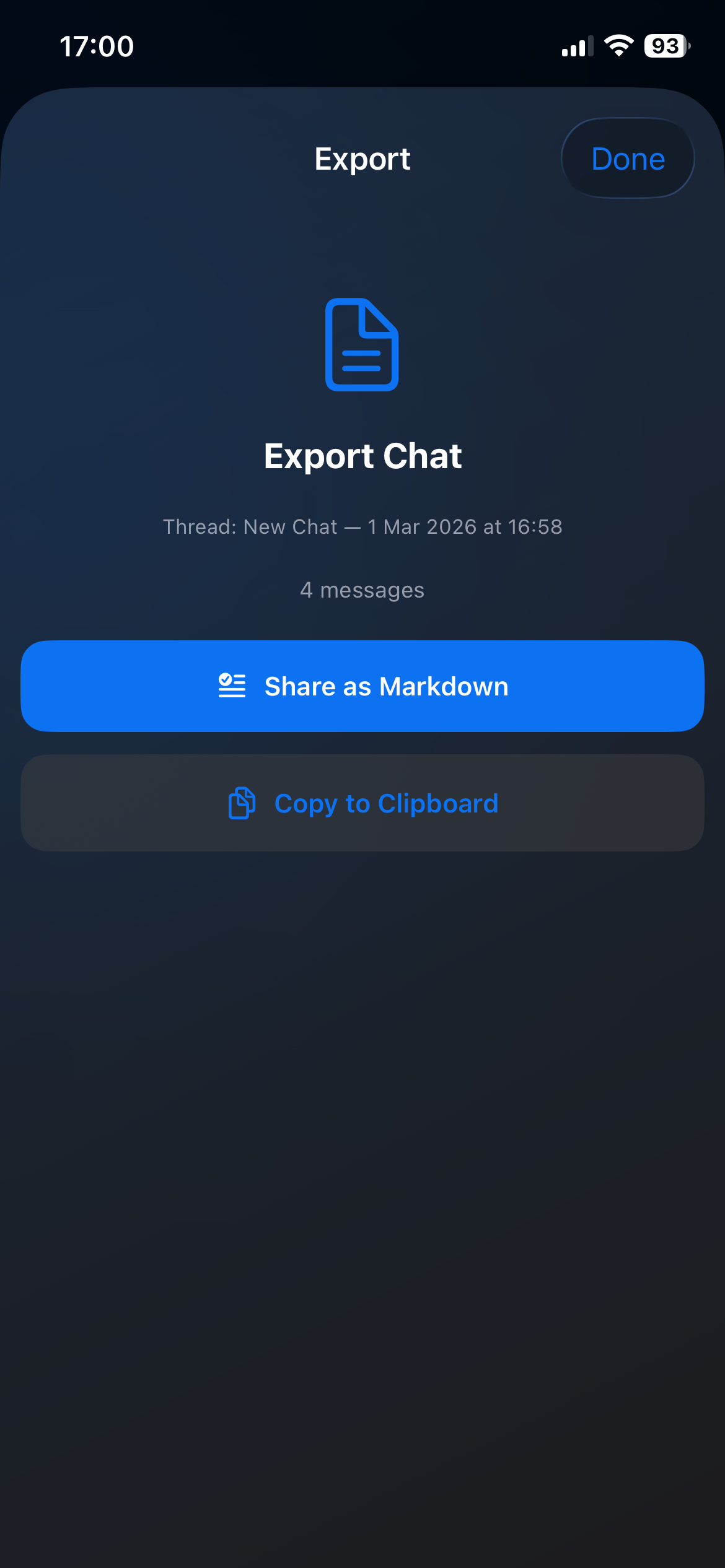
G-Claw Export
G-Claw Vault Unlocked
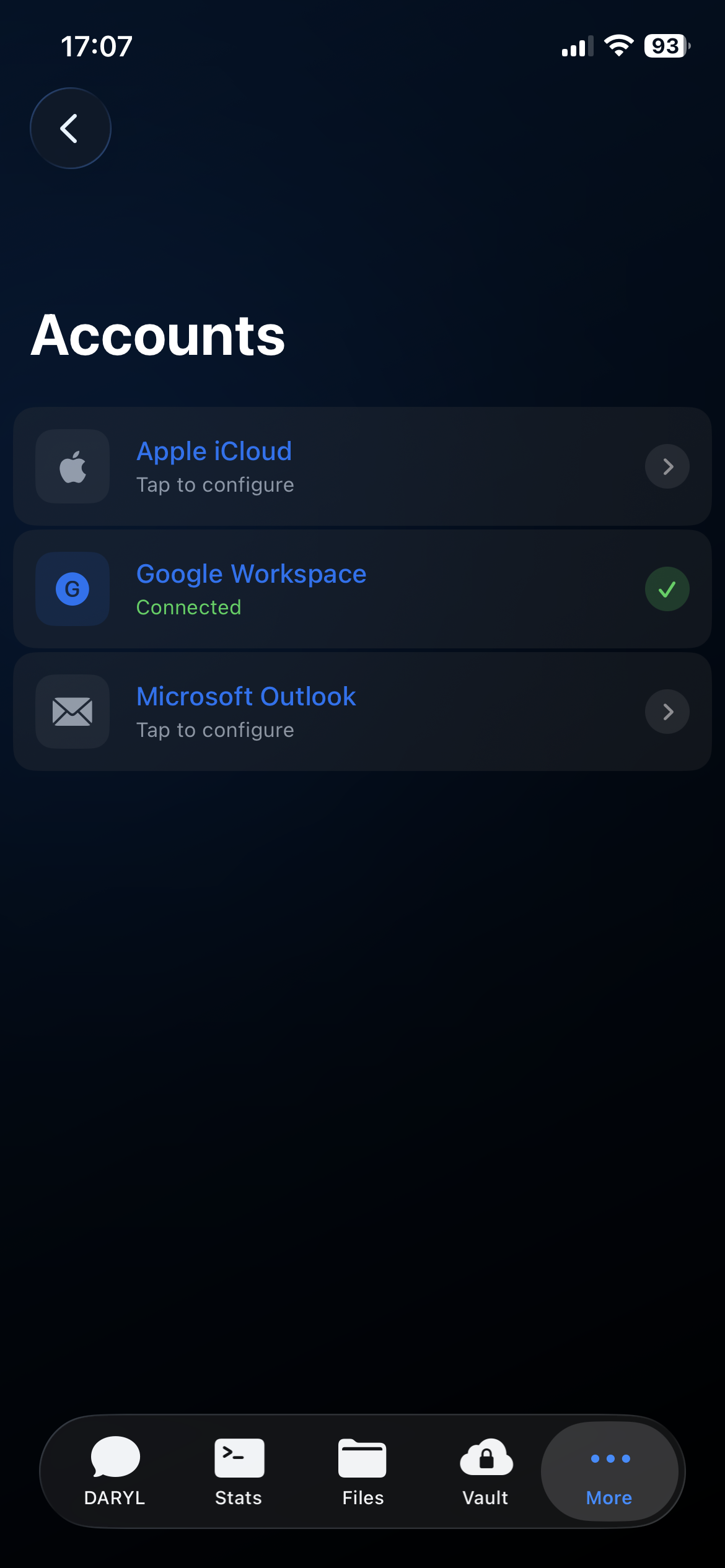
G-Claw Accounts
G-Claw AI Modes
G-Claw AI Models
G-Claw Setup Guide
G-Claw Agent Profiles
G-Claw Agent Profile Files
G-Claw Agent Profile File Editor
G-Claw Interface
G-Claw Chat
G-Claw Chat Thread
G-Claw Export
G-Claw Vault Unlocked
G-Claw Accounts
G-Claw AI Modes
G-Claw AI Models
G-Claw Setup Guide
G-Claw Agent Profiles
G-Claw Agent Profile Files
G-Claw Agent Profile File Editor