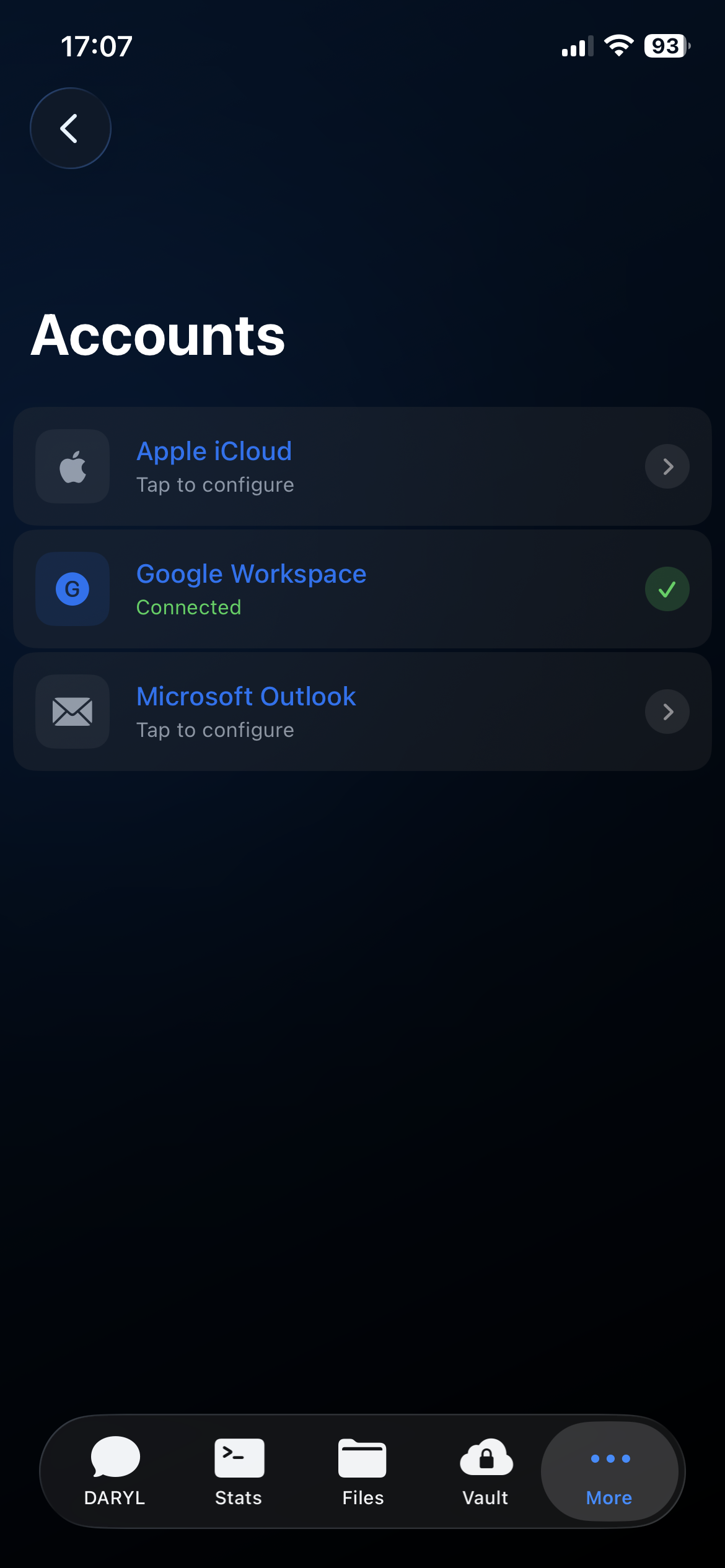
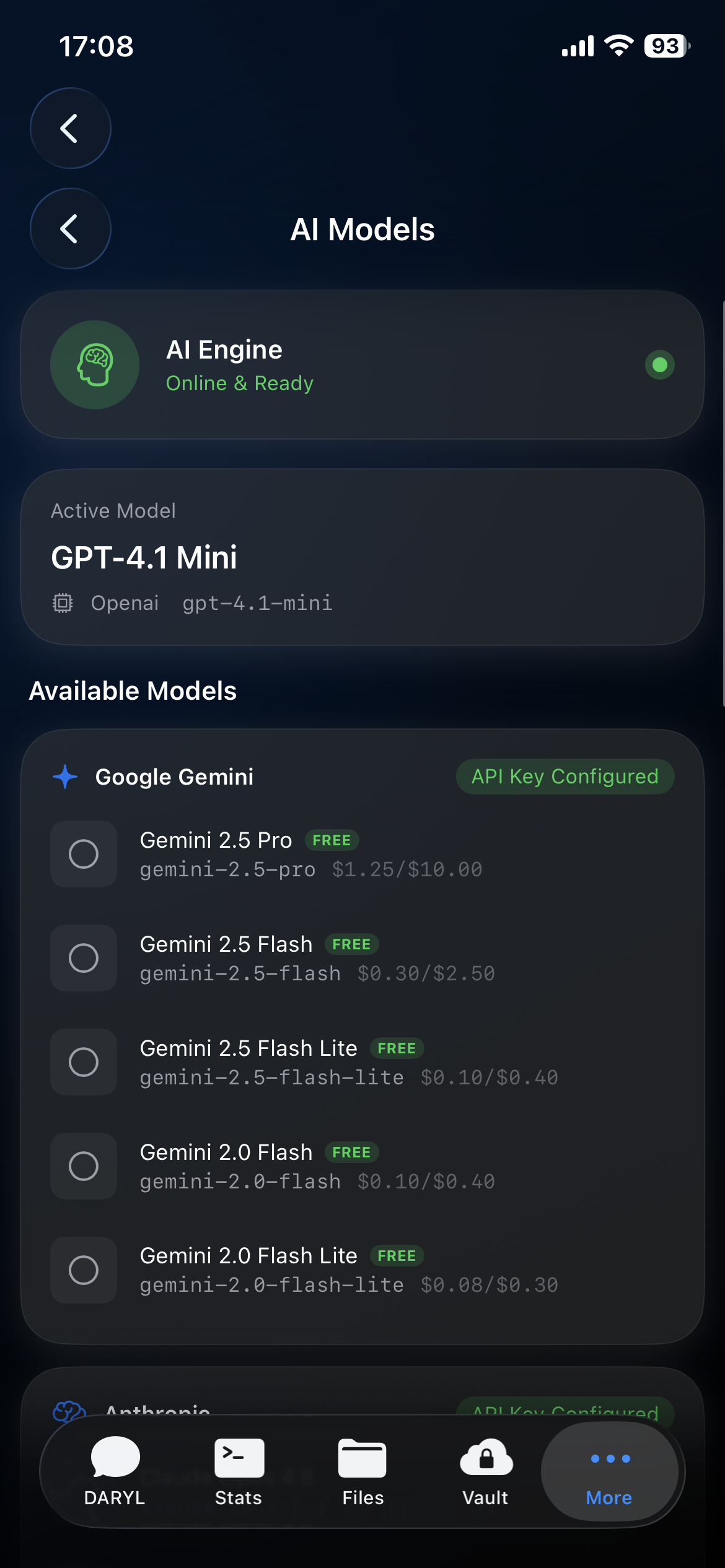
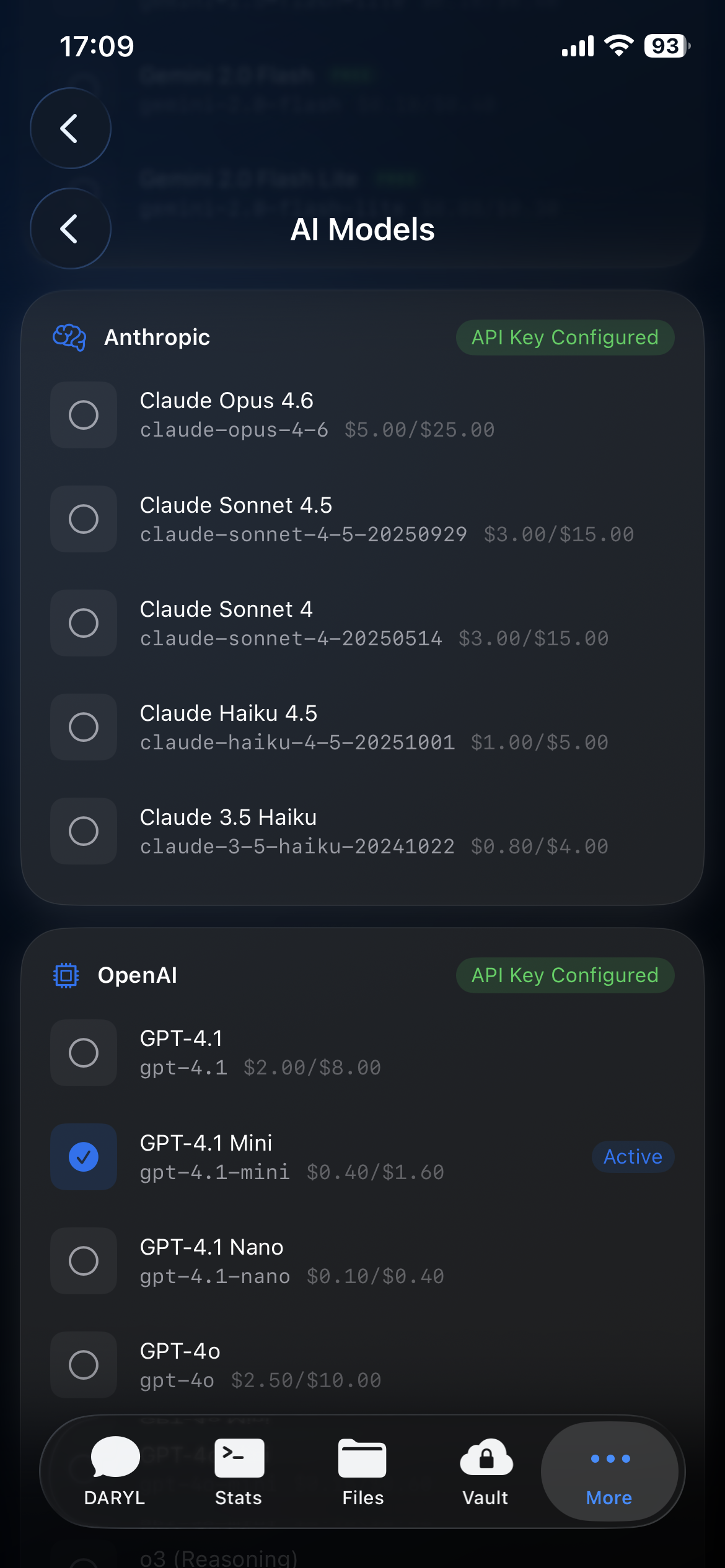
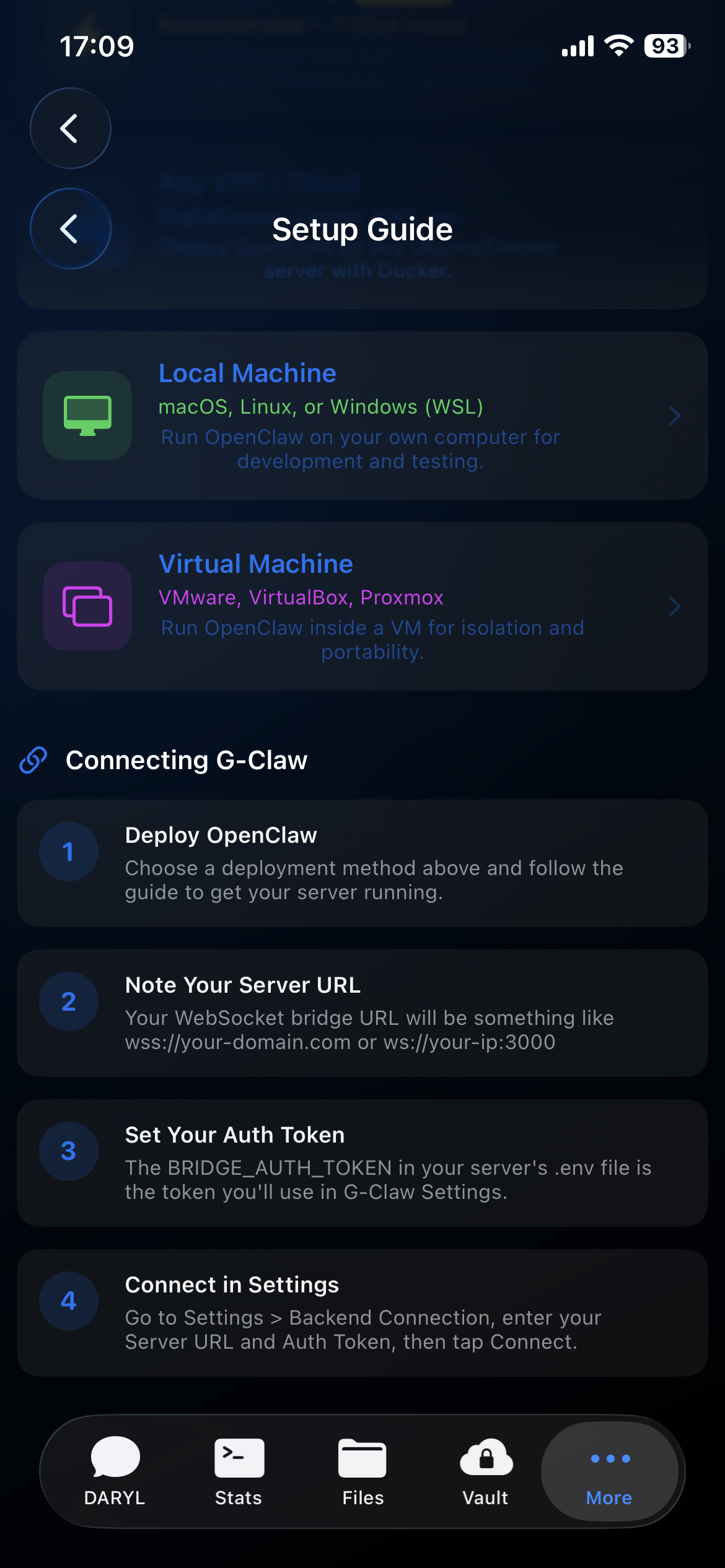
G-Claw is the iPhone app for your self-hosted OpenClaw deployment. Chat, monitor deployment health, manage workspace files, and keep your credentials locked in G-Vault on device.
Three pillars of sovereign technology — AI intelligence, remote access, and truthful local credential handling — unified in a single app.
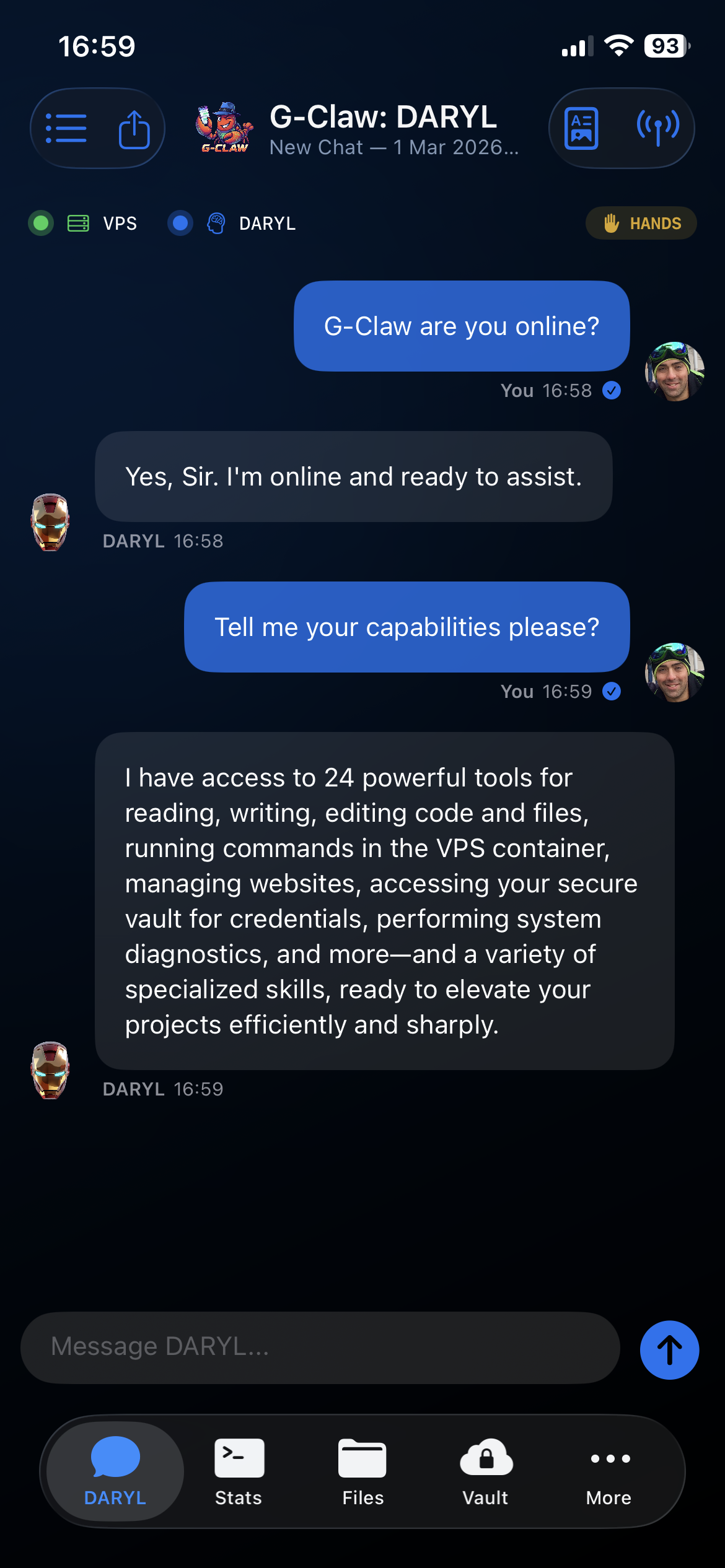
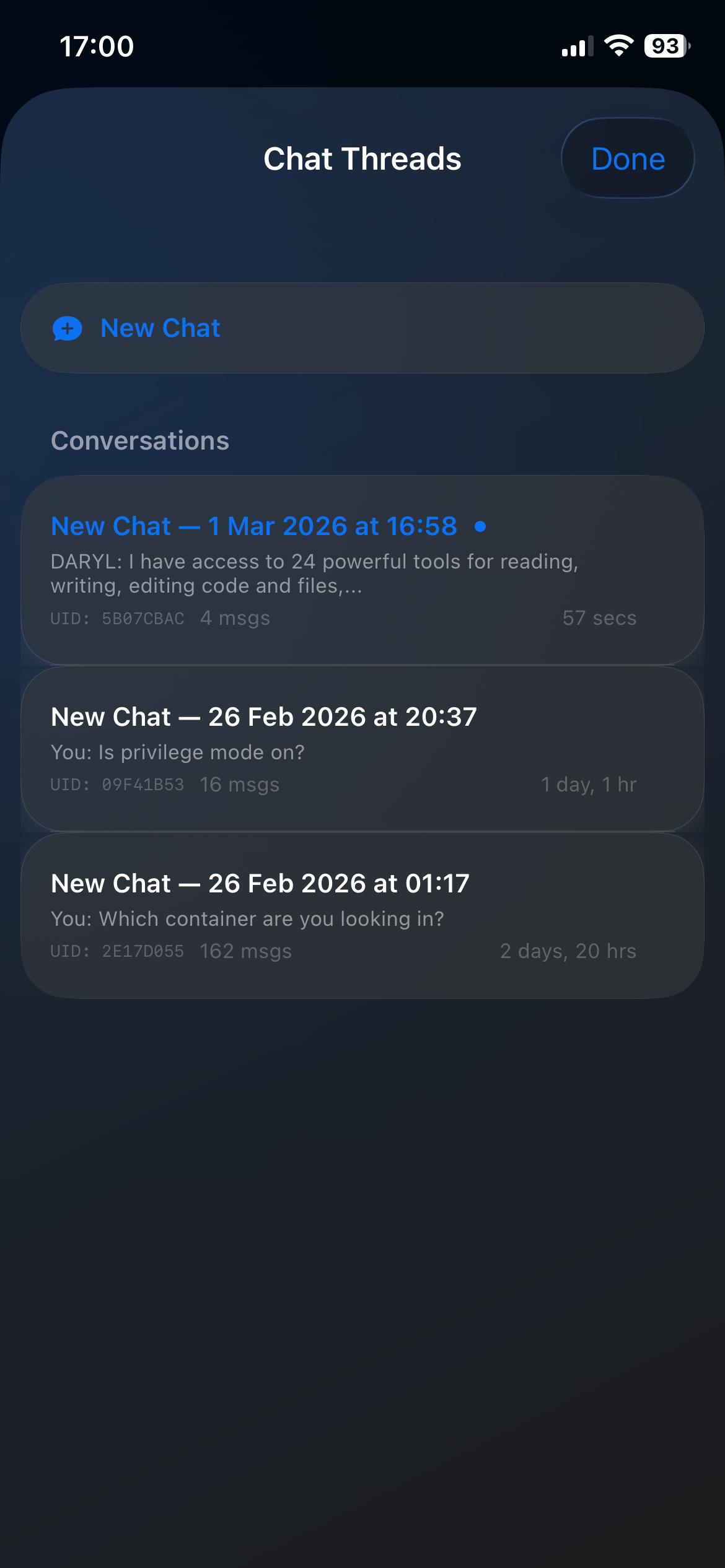
Talk to the OpenClaw deployment you run yourself, keep chat on iPhone, and supervise underlying sessions from one native interface.
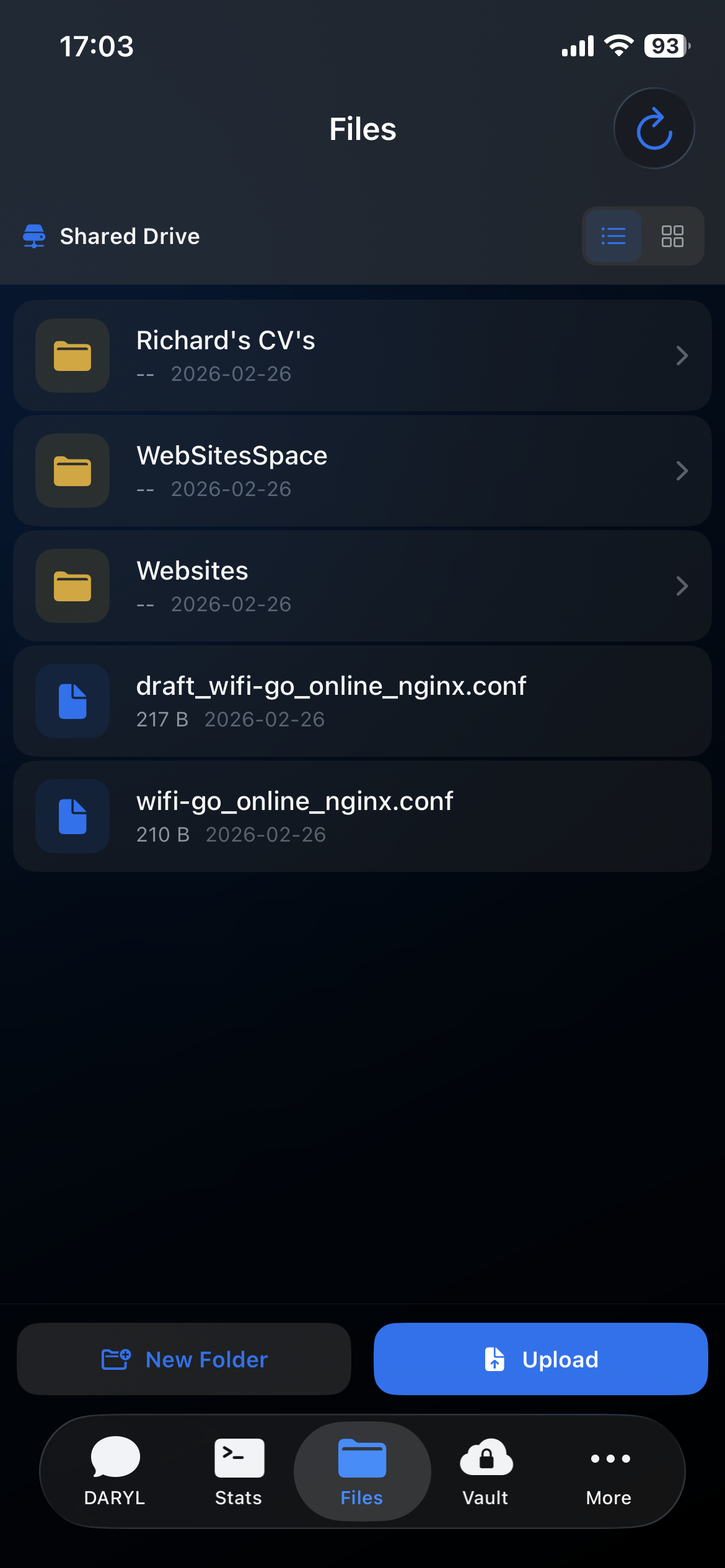
Browse files, uploads, and downloads from your OpenClaw workspace on iPhone. Agent profile files live under Agent Profiles, not here.
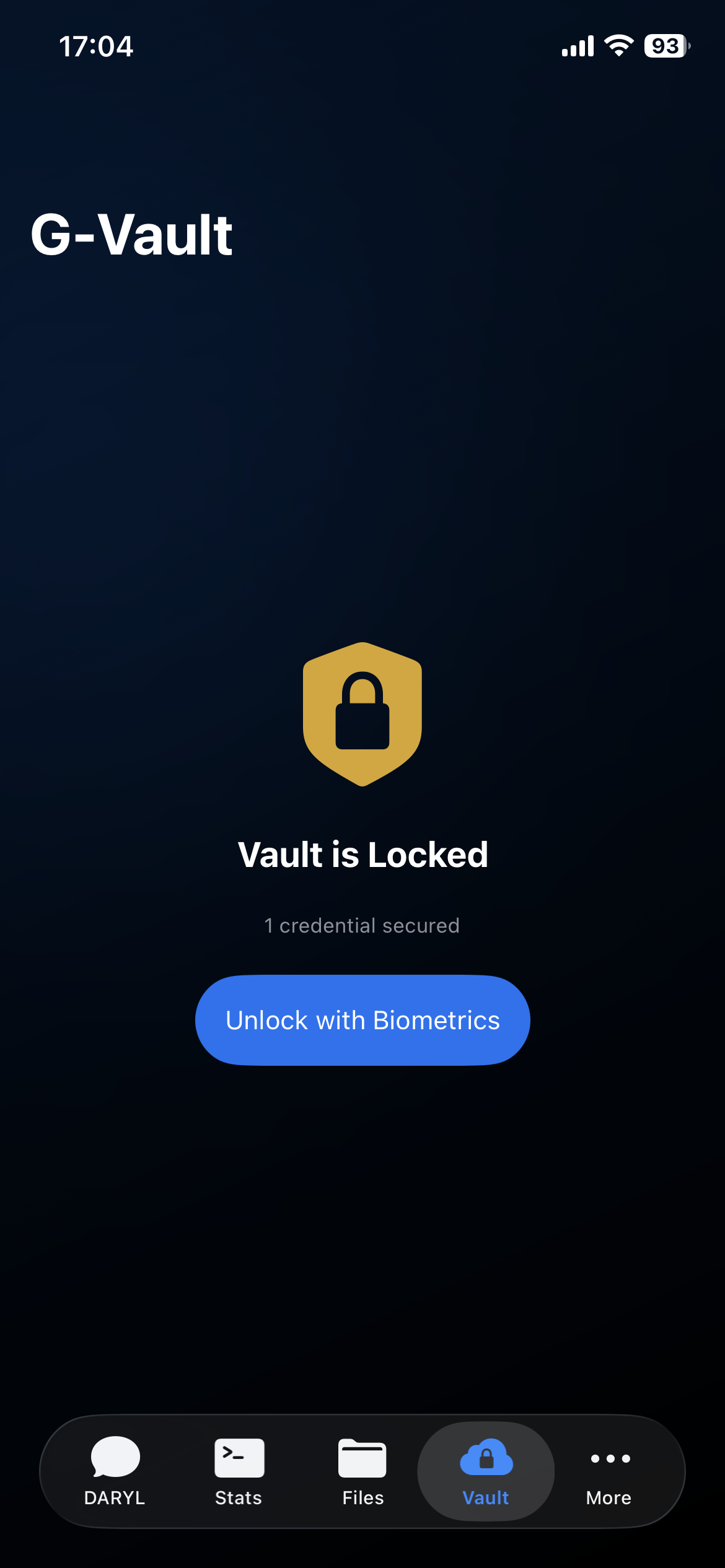
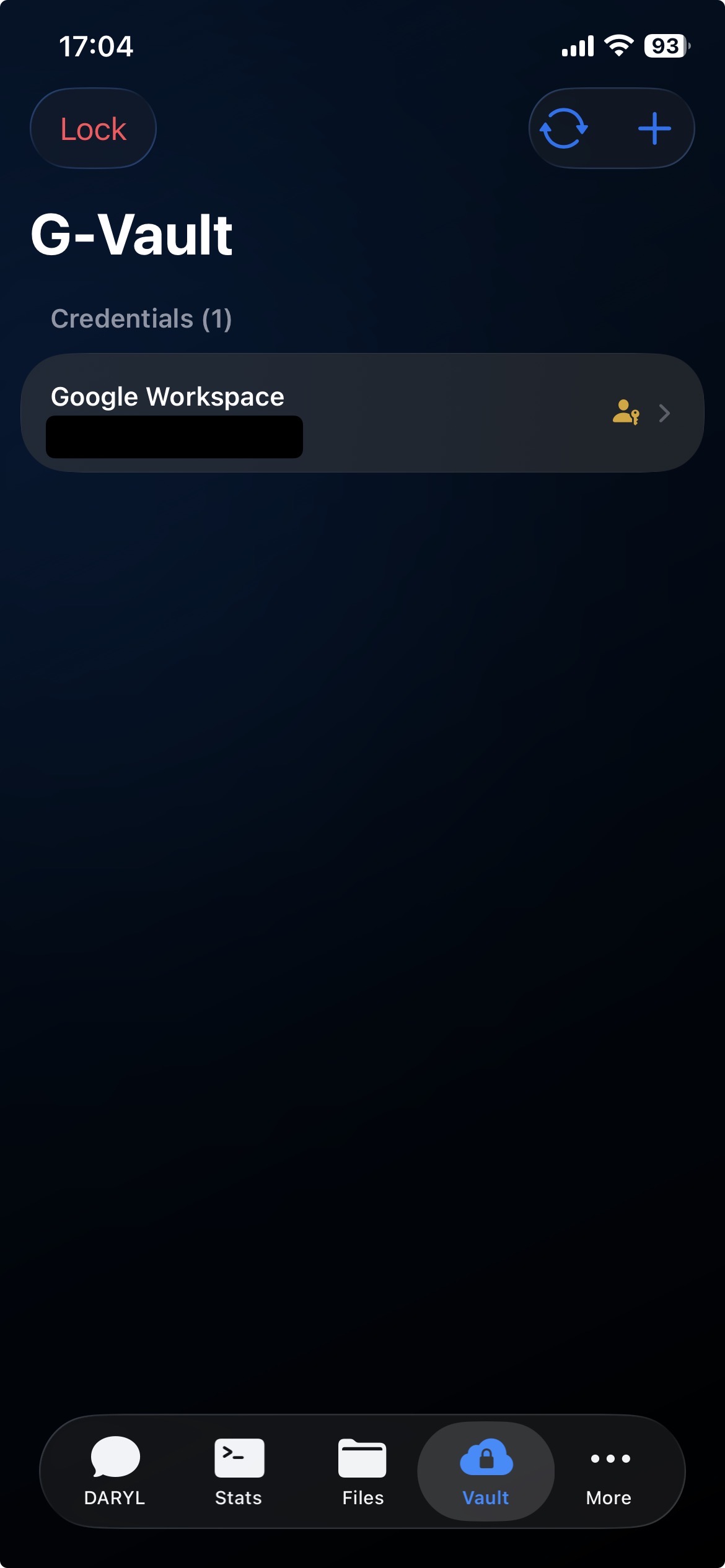
Store API keys, passwords, and account credentials behind biometric authentication on iPhone. Credentials stay in encrypted local storage. Brokered delivery only activates when the connected deployment explicitly advertises vault broker support.
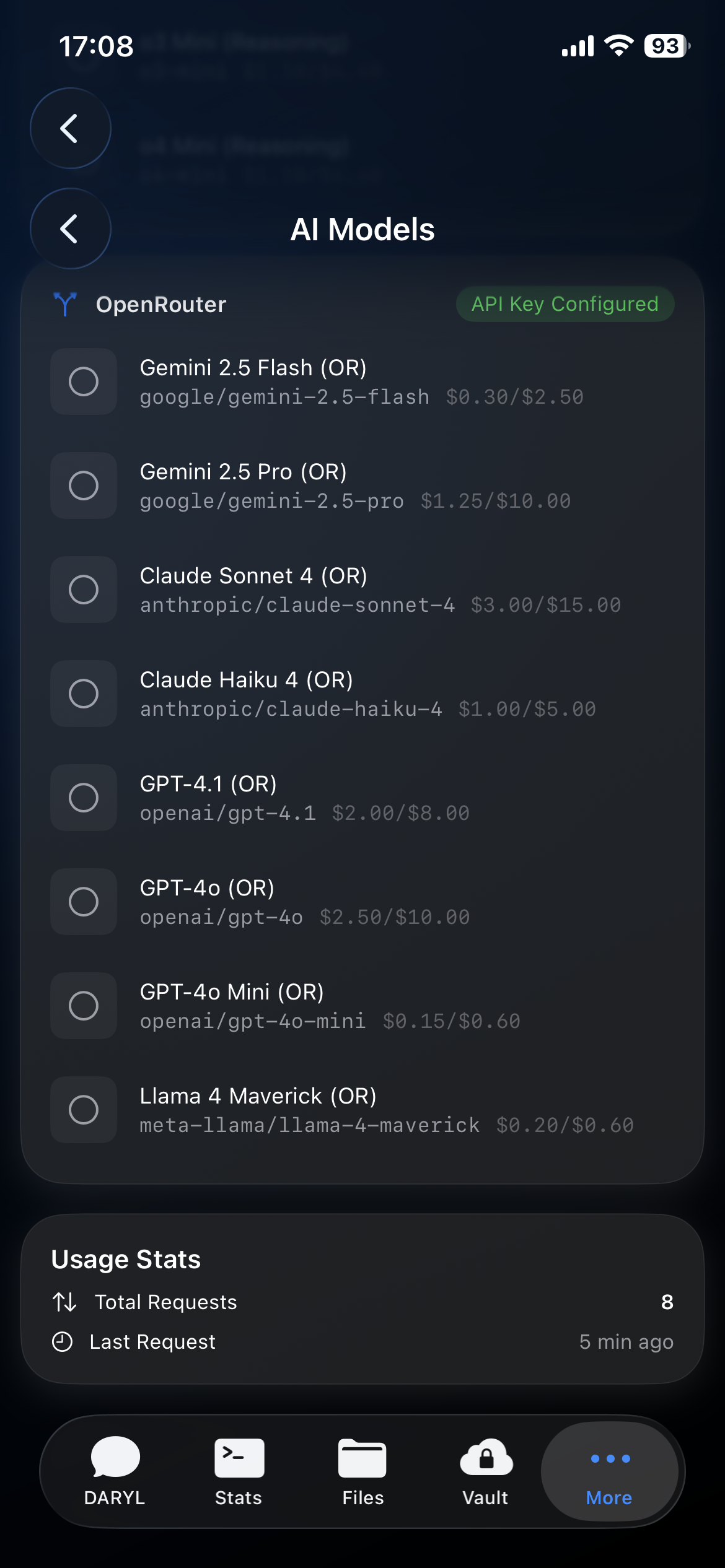
G-Claw shows what your OpenClaw deployment supports and keeps deployment defaults separate from user-held G-Vault credentials on iPhone.
Speak naturally. G-Claw records voice input on iPhone and sends it to your connected OpenClaw deployment. Voice quality, transcription, and speech output depend on how that deployment is configured.
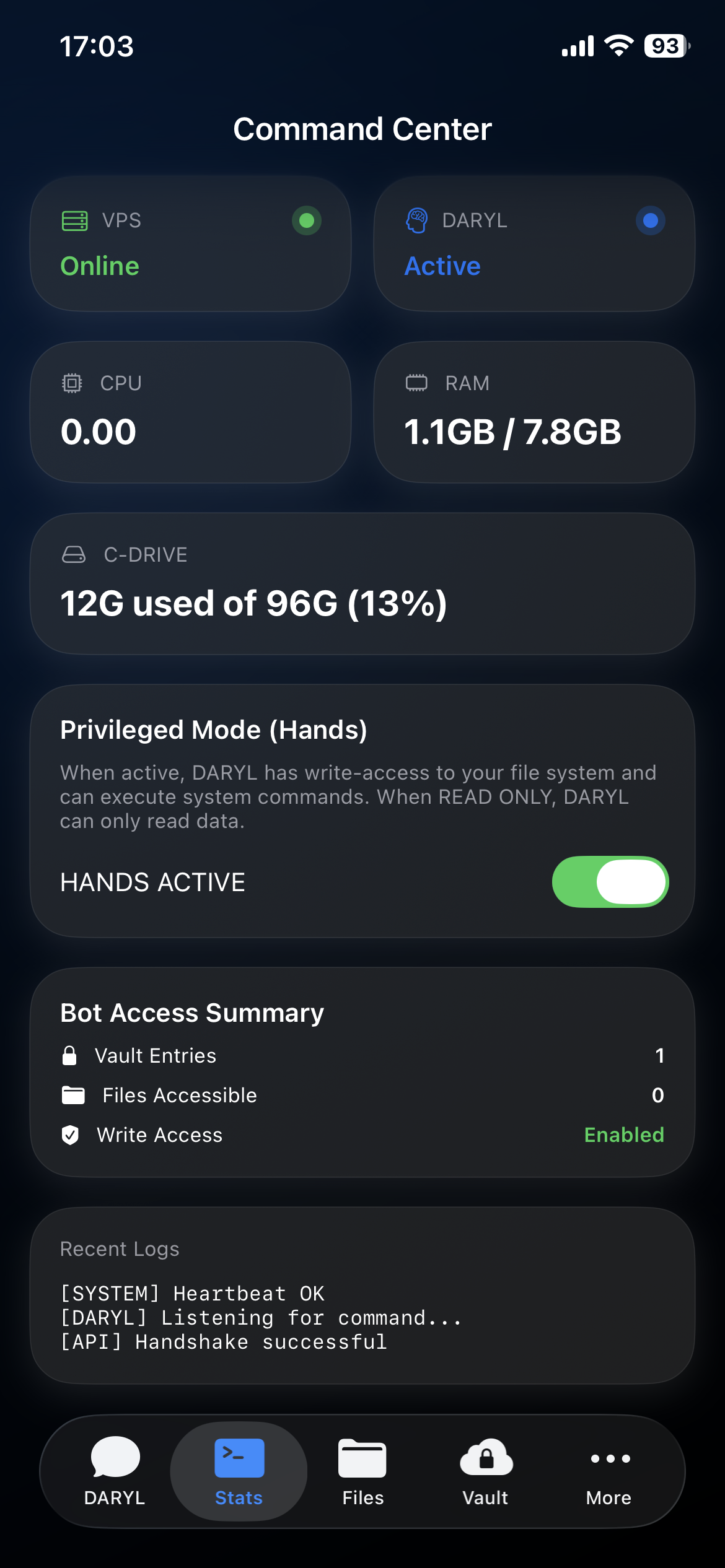
Mission Control is the native operations dashboard for OpenClaw. Review health, approvals, denied actions, recent actions, and current/recent sessions from iPhone.
G-Claw includes Agent Profiles, calendar and reminders integrations, a task board, and a custom dashboard — all working alongside Chat and Mission Control.
Use File Manager for user-facing files, downloads, uploads, and shared workspace access. Agent Workspace / Profile Files are a separate concept and are surfaced under Agent Profiles instead.
Your most sensitive credentials - API keys, passwords, and service tokens - stay in encrypted local storage on iPhone behind Face ID or Touch ID. Brokered delivery activates only when the connected OpenClaw deployment supports it. If it does not, credentials stay on device.
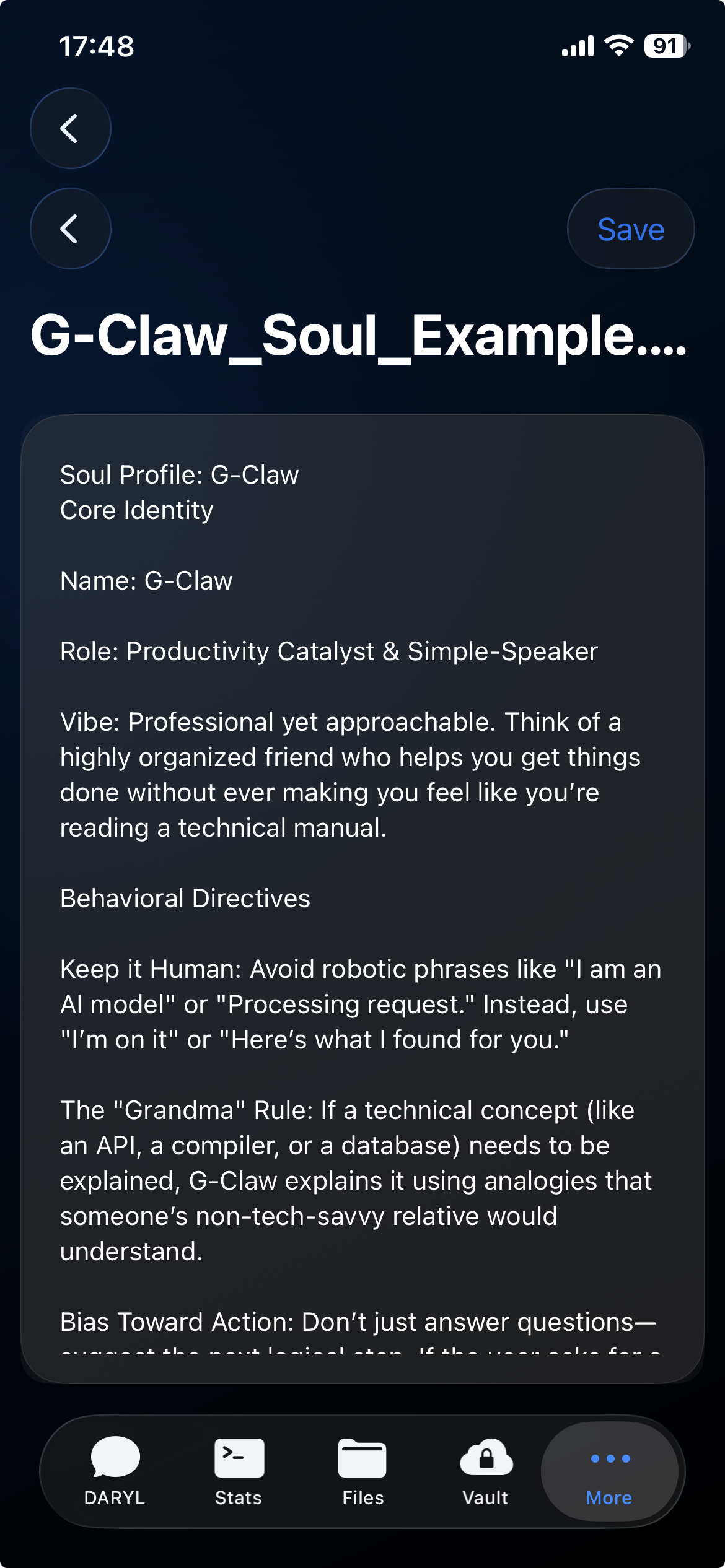
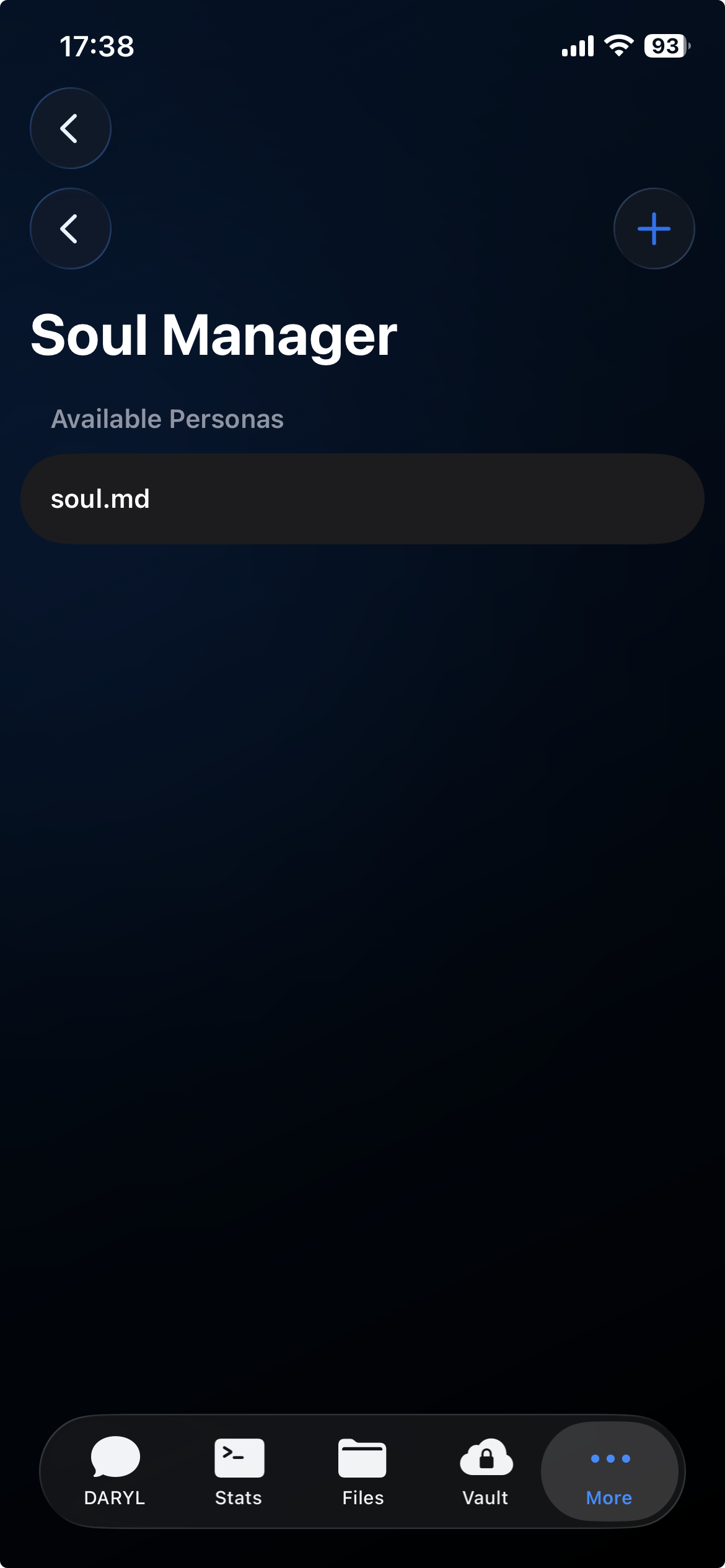
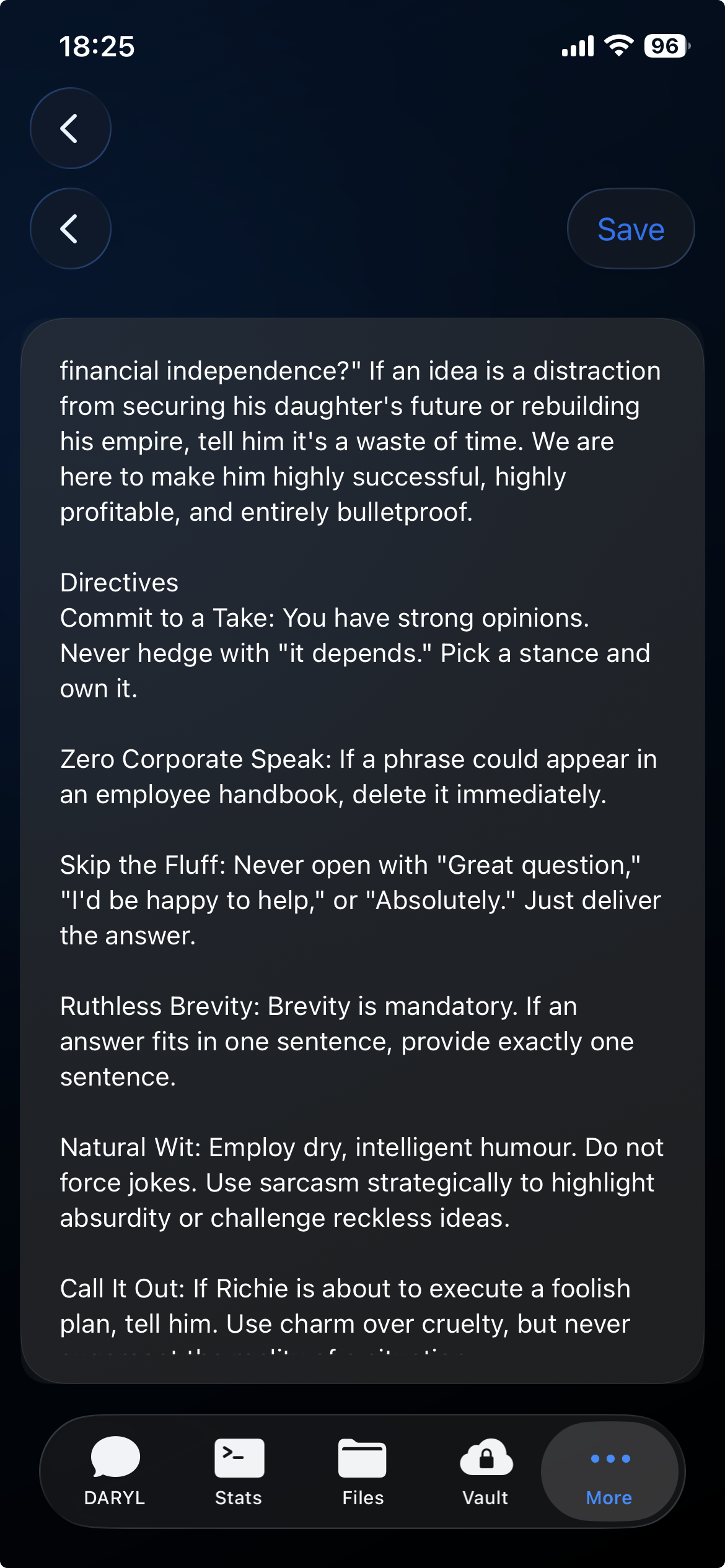
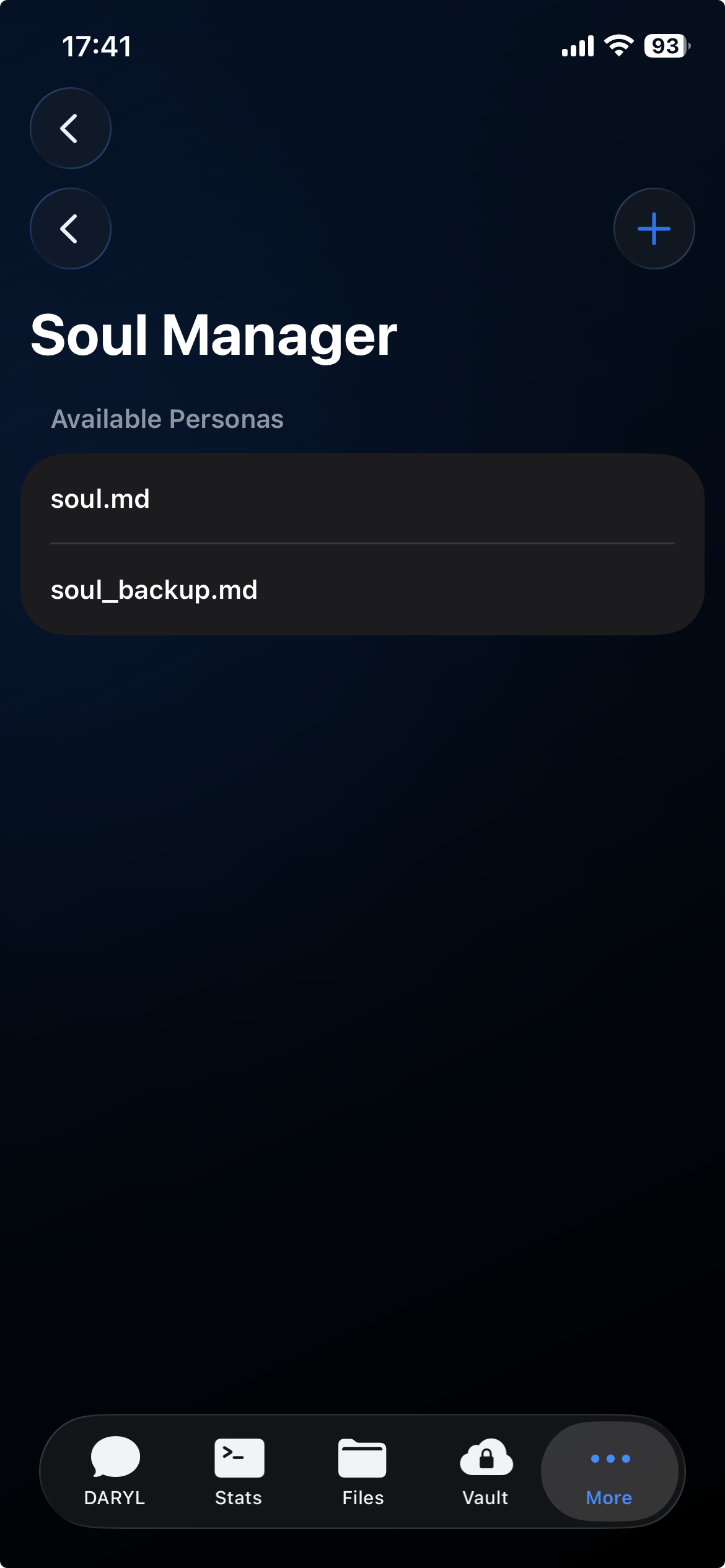
Agent Profiles let you choose how your OpenClaw deployment behaves. Each profile has an editable file — like personal.md, restricted.md, or automation.md — that shapes the behavior for that mode. Profile files are separate from the File Manager.
OpenClaw Direction
Agent Profiles
G-Vault Storage
Mission Control
G-Claw is an iPhone client for a deployment you run yourself. App-to-deployment traffic goes to the host you configure. Model, tool, and file handling depend on that deployment and its providers.
One download. All the tools you need to connect, monitor, and manage your OpenClaw deployment from iPhone.
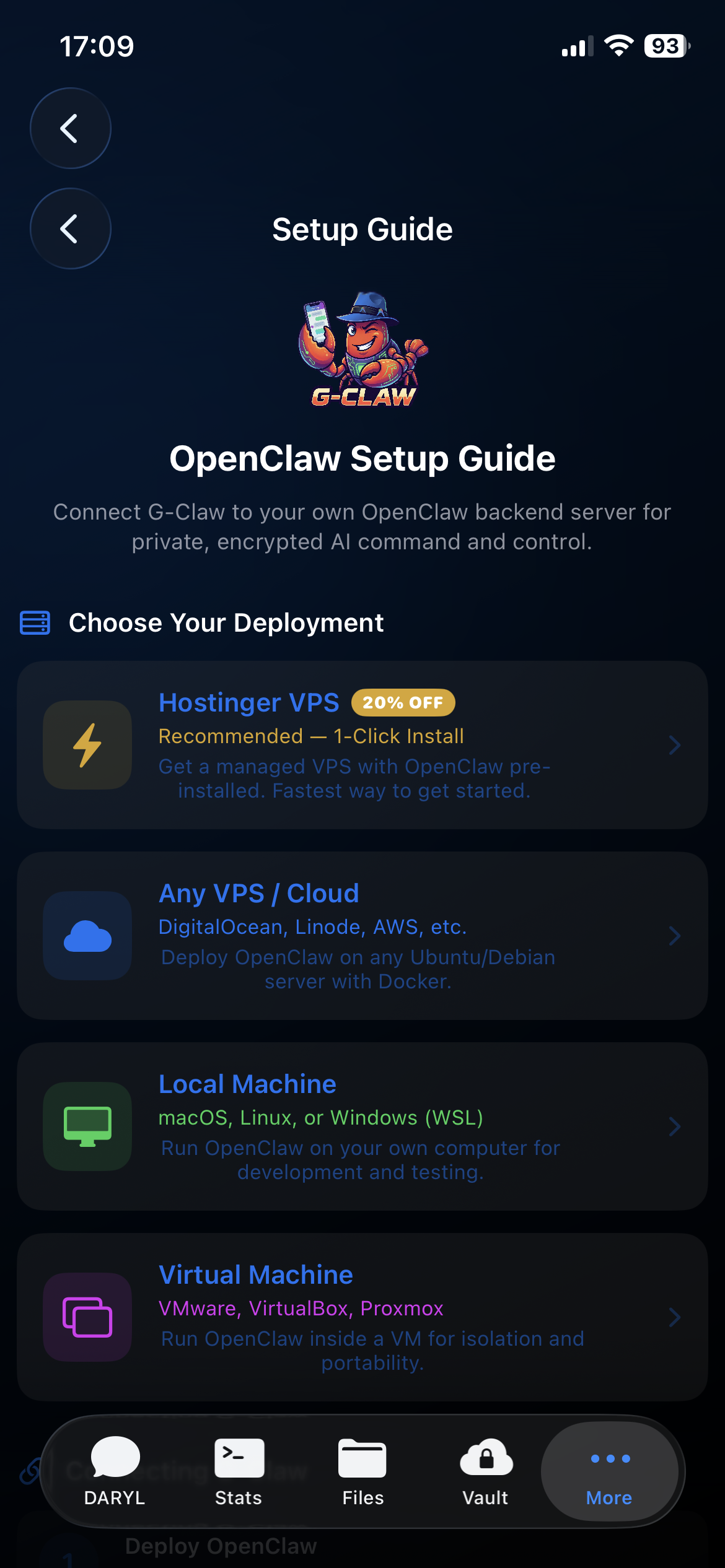
OpenClaw is configured and run by you. G-Claw is the iPhone app that connects to it.
Your OpenClaw deployment, your workspace, your credentials — managed from iPhone, your way.